window.dataLayer = window.dataLayer || []; function gtag(){dataLayer.push(arguments);} gtag('js', new Date()); gtag('config', 'UA-206511945-1');
Search
Categories
Uncategorized

Nail Salon Inventory App: The Complete 2026 Guide to Tracking Supplies and Retail

Most nail studios don’t lose their hard-earned profit on empty chairs; they lose it in unmeasured splashes of monomer, missing chrome powders, and clipboard counts that steal Sunday nights. You already know the headache of a technician running out of a trending gel shade mid-appointment, or trying to guess your actual margins on an intricate set. Generic spreadsheets treat a retail lotion the same way as a microscopic dab of foil glue, and that disconnect quietly drains your revenue. That’s why finding the right nail salon inventory app is an essential step toward running a calmer, more profitable studio.

You shouldn’t have to spend your weekends counting identical bottles just to stay organized. In this guide, you’ll discover how a dedicated nail salon inventory app eliminates backbar waste, tracks micro-usage art products, and protects your retail margins. We’ll explore practical ways to automate stock deductions right at checkout, pinpoint your exact service costs per manicure, and establish automated low-stock reorder alerts so you never face an unexpected shortage again.

Key Takeaways

  • Understand why standard retail tools stumble over micro-usage supplies, and how a dedicated nail salon inventory app solves the challenge of fractional liquid tracking.
  • Discover the practical differences between backbar consumption and retail inventory, including how to set unique targets for each revenue engine.
  • Learn a simple, step-by-step setup process to purge dead stock and standardize bottle naming across every brand, finish, and shade in your salon.
  • See how connecting stock tracking directly to your checkout process eliminates manual entry for technicians while keeping bottle counts fully accurate.
  • Uncover how real-time cost visibility per service protects your bottom line and triggers timely reorders before top-selling items run out.

Why Generic Inventory Systems Fail Modern Nail Salons

A standard retail store sells items by the unit; a customer buys a bottle of lotion, and the register deducts one box from the shelf. Nail studios don’t work that way. A modern nail salon inventory app must bridge the gap between whole-unit retail and the complex world of fractional backbar consumption. In our industry, a single bottle of monomer, basecoat, or acetone services dozens of clients across several days. While understanding inventory fundamentals helps any business buffer against shortages, general retail tools cannot calculate micro-usage. Liquids evaporate, opened polishes thicken over time, and fine art pigments spill during busy rushes. When your tracking system treats bulk salon supplies like standard boxed retail goods, your numbers drift away from reality.

The Unique Complexity of Nail Studio Supplies

Nail studios balance two completely different inventory models at the same time. Retail shelves feature sealed cuticle oils and files sold directly to clients for a set margin. Backbar supplies, however, are fluid, shared, and consumed in tiny amounts per service. Managing seasonal collections makes this balance even tougher. Trendy pastel collections peak in spring and drop off by summer, leaving behind half-empty bottles that tie up valuable working capital. Meanwhile, unrecorded product usage slowly eats into your service profits. When technicians apply generous scoops of builder gel or cut foil wraps without logging them, your treatment costs silently surge.

The Hidden Costs of Clipboard and Spreadsheet Audits

Manual stocktaking drains both your energy and your schedule. Studio owners frequently spend several hours every Sunday night squinting at hundreds of near-identical lacquer caps on a clipboard audit. Fatigued eyes make mistakes. A hurried count might misidentify a sheer nude as fully stocked, leading to a frantic, embarrassing stockout in the middle of a packed Saturday rush. Spreadsheets also trap numbers in static rows. They fail to connect supply levels with appointment schedules, making accurate cost forecasting and seasonal budgeting nearly impossible.

Essential Features to Look for in a Nail Salon Inventory App

General warehouse systems track pallets and cartons, but a high-performing nail salon inventory app needs to solve much smaller, daily bottlenecks. Nail technicians work at a fast pace, moving through appointments while pulling from shared shelves. You need intuitive digital tools that simplify station audits, catch missing stock early, and protect your margins. Industry reports frequently highlight the billions lost to retail shrink each year, and nail studios face that same vulnerability when unmonitored backbar jars and retail products walk out unaccounted for. Looking for dedicated inventory management features tailored to salon workflows ensures your tracking supports your team instead of slowing them down.

Micro-Tracking for Nail Art, Gems, and Powders

Tiny embellishments cause major tracking headaches. Individual crystals, striping tapes, and foils lack standard barcodes, making unit tracking impossible. An effective salon tool lets you bundle these micro-items into service-level recipes or flat-fee art tiers. For jars of dip powder and builder gel, photo-tagged supply indexing allows technicians to confirm color swatches instantly without opening jars or guessing pigment codes.

Mobile Barcode Scanning and Rapid Audit Modes

Nobody wants to be tethered to a front-desk computer. With mobile scanning, your phone or tablet camera turns into an agile counting tool. Technicians can complete rolling audits of a single drawer between client appointments. When wholesale shipments arrive, quick camera scans verify received items against purchase orders in seconds, preventing shelf delays.

Automated Purchase Orders and Supplier Profiles

Running out of essential supplies stalls appointments. Modern platforms monitor your usage patterns and flag low balances automatically. Key ordering capabilities should include:

  • Dynamic threshold alerts: Notifications trigger based on real-time consumption rather than fixed guesses.
  • Centralized distributor records: Store multiple supplier terms, contact details, and item numbers in one place.
  • Digital invoice matching: Cross-check incoming shipments against original POs to stop vendor overcharges before paying.

Backbar vs. Retail Inventory: Managing Two Distinct Revenue Engines

Every bottle in your studio serves one of two financial masters. Lumping professional supplies together with take-home products clouds your financial health, leaving you unsure whether service fees cover supply costs or if retail sales are masking backbar waste. A dedicated nail salon inventory app separates these streams into distinct ledgers so you can track treatment expenses independently from sales revenue. Applying essential inventory management techniques like First-In, First-Out (FIFO) ensures you rotate aging lacquers on backbar racks while preserving the fresh presentation of client retail shelves.

Inventory Dimension Professional Backbar Supplies Front-Desk Client Retail
Primary Purpose Internal operational use during treatments Direct merchandise resale to clients
Core Metrics Cost per service, waste rate, station usage Inventory turnover, gross margin, attach rate
Depletion Event Service completion or internal supply transfer Point-of-sale barcode checkout
Packaging Status Opened, shared across stations, fluid levels Factory sealed, pristine display packaging

Tracking Professional Backbar Usage and Service Costing

Accurate treatment pricing begins with knowing your true cost per service. When you divide the wholesale price of a builder gel bottle by its average application count, you reveal your baseline material expense for every full set. Tracking backbar transfers also highlights technician consumption habits early. If Station 3 goes through twice as much monomer as Station 1 for identical service numbers, you can offer gentle coaching on brush control and liquid management before lost volume hurts your margins.

Maximizing Front-Desk Retail Turnover and Cuticle Care Sales

Retail sales should serve as a high-margin booster rather than an afterthought. Trending cuticle oils, specialty hand creams, and nail strengtheners carry strong retail margins, yet studios frequently forfeit these sales due to empty shelves. Modern inventory tracking links client service histories with retail recommendations, prompting reception staff to offer the exact aftercare serum discussed during a manicure. Automated reorder triggers ensure your display racks remain fully stocked ahead of busy gift-buying rushes and holiday weekends.

Nail Salon Inventory App: The Complete 2026 Guide to Tracking Supplies and Retail

Step-by-Step: Setting Up Inventory Tracking Across All Nail Categories

Transitioning from cluttered shelves to an orderly digital system feels intimidating, but a systematic setup removes the stress. By following a clear operational roadmap, your salon can establish reliable stock controls in just a few focused stages. Here is how to configure your nail salon inventory app from the ground up:

  • Step 1: Conduct a physical purge. Clear every drawer and station shelf. Toss dried-out polishes, separated lacquers, and jars contaminated with dust or stray glitter.
  • Step 2: Standardize your naming system. Build a uniform structure across your entire catalog, such as [Brand] – [Line] – [Color Name/Code] – [Bottle Size]. Consistency prevents duplicate entries.
  • Step 3: Separate stock physical locations. Divide items into three physical and digital zones: client retail displays, active station backbar, and bulk backup storage.
  • Step 4: Establish safety stock baselines. Input your starting bottle counts into your nail salon inventory app, assigning minimum reorder thresholds based on average weekly appointment volumes.
  • Step 5: Train your team on daily checkouts. Educate technicians on how their appointment notes translate directly into inventory deductions at the front desk.

Organizing Lacquers, Gel Systems, and Acrylic Chemistry

Chemicals require strict categorization to ensure smooth service flow and workplace safety. Group items by curing method, separating standard air-dry lacquers from LED soft gels and hard builder formulas. Mark opening dates directly on bottle labels with a paint pen so you can monitor active shelf life. Match physical storage bins to your software naming system, keeping base liquids, powders, and top finishes organized in dedicated sections.

Establishing Station Restocking Schedules and Checkpoints

Prevent technicians from hoarding popular sheer nudes or premium brushes by setting strict replenishment schedules. Schedule a weekly internal transfer where technicians draw supplies from central storage using a digital restock request. Have staff audit their own station drawers every Friday afternoon. Daily sanitation items like disposable buffers, wooden pushers, and barbicides should be tracked as service overhead rather than counted by the piece.

Explore modern salon management tools

Integrated Salon Software vs. Standalone Inventory Apps: Making the Right Choice

Deciding how to track your stock usually leads to an important crossroads: should you run an isolated tracking tool alongside your calendar, or manage everything within a single platform? While a standalone nail salon inventory app can count bottles, operating it separately from your front desk creates invisible friction. Every service completed, color selected, and retail item rung up requires duplicate work. When your software tools don’t speak to each other, accurate numbers quickly slip away.

The Problem with Disconnected Tools and Manual Entry

Juggling disconnected systems burns precious staff hours and breeds costly bookkeeping mistakes. Technicians rushing between back-to-back clients rarely have time to log used materials into a separate app, leaving your stock levels perpetually outdated. Front-desk staff remain unaware of real-time backbar shortages, risking client bookings for intricate nail art sets when essential supplies are gone. Paying for multiple monthly subscriptions to solve one operational problem simply drains your profit margin.

The Advantage of an All-in-One Platform with Encore

True control happens when your appointment book, point of sale, and supply closets share a single brain. Encore unifies your salon operations into an effortless, all-in-one view. When a client checks out, the system automatically logs the service, runs the card, and deducts the appropriate backbar materials and retail bottles right at the register. Technicians never have to log product usage manually after a busy appointment.

Backed by more than three decades of beauty industry experience through parent company Syntec Business Systems, Encore provides specialized tools tailored to the unique workflow of nail studios. Clear, unified reporting shows the exact profit margins of every manicure, acrylic full set, and custom nail art upgrade on your service menu. You get reliable data, human-centered onboarding, and dependable support that keeps your business running smoothly. Explore Encore Salon Software to simplify your nail salon operations today.

Take Full Control of Your Studio’s Supplies and Profits

Stopping inventory leaks shouldn’t mean sacrificing your weekends to manual bottle counts. By separating fluid backbar usage from front-desk retail and automating deductions at checkout, you protect treatment margins while keeping popular polishes on the shelf. Choosing an integrated nail salon inventory app turns chaotic stockrooms into predictable, profitable operations.

Backed by Syntec Business Systems with over 30 years of salon software expertise, Encore delivers a dedicated Nail Salon Software module that seamlessly connects appointments, point of sale, and inventory tracking. With personalized, human-centered training and onboarding, your team receives hands-on guidance to ensure a smooth transition from day one.

Discover how Encore Salon Software simplifies your inventory and daily operations

Give your technicians the freedom to focus on their artistry while your supply management runs smoothly in the background.

Frequently Asked Questions

How does a nail salon inventory app handle fractional use of monomer and acetone?

Dedicated salon platforms track bulk liquids through service-based product recipes. Instead of forcing technicians to measure ounces after each client, the software links standard consumption amounts, such as a fraction of an ounce of monomer per full set, directly to the appointment. When the service checks out, the system deducts that portion automatically, keeping your overall liquid volume accurate over time.

Can an inventory app track small nail art supplies like crystals, foils, and stickers?

Yes, but counting individual charms or foil sheets by hand is impractical. The most efficient approach bundles nail art supplies into flat-rate service tiers or custom add-ons within your system. When a client books or adds a specific art tier, the software accounts for the bundled material cost, protecting your profit margins without forcing artists to count tiny stones.

What is the difference between backbar inventory and retail inventory in a nail salon?

Backbar inventory covers professional supplies consumed during services, including builder gels, acrylic chemistry, and sanitizing solutions. These items represent internal operational expenses. Retail inventory includes sealed items displayed for customer purchase, such as cuticle oils and home hand care. Separating these two streams ensures backbar supply costs never distort your retail sales numbers or skew treatment profitability.

How often should a nail salon conduct physical inventory counts?

Most salons find success using weekly rolling cycle counts combined with a broader monthly audit. Rather than spending hours counting every shade at once, technicians audit fast-moving gel lines and front-desk retail products weekly. Bulk backups and slower-moving seasonal shades can be checked monthly, catching discrepancies early without disrupting daily salon operations.

Will our nail technicians need to enter product usage manually after every manicure?

No, an integrated nail salon inventory app removes that manual burden entirely. Backbar usage connects directly to your appointment schedule and checkout system. When a technician marks an appointment complete and rings up the client, the software deducts the required polishes, prep liquids, and disposables behind the scenes, leaving your staff free to focus on their clients.

Can I use my smartphone or tablet to scan barcodes during inventory checks?

Yes, mobile-friendly salon platforms let you turn any standard tablet or smartphone camera into an agile barcode scanner. Staff can walk directly to manicure tables, storage bins, and retail shelves to scan items during routine audits. This mobile workflow also accelerates receiving new distributor shipments, letting you verify incoming orders right out of the shipping box.

Why is an all-in-one salon management platform better than a standalone inventory app?

Standalone inventory tools operate in isolation, forcing staff to enter data twice between your appointment book and stock sheets. An all-in-one solution like Encore unites appointments, point of sale, and supply management in one place. Product counts deduct automatically as tickets close, giving you real-time visibility into service margins while eliminating the headaches of juggling multiple software subscriptions.

Disclaimer

This article is general in nature and may contain errors, please verify all claims with your sales rep

Categories
Uncategorized

Nail Salon Client Retention Ideas: Proven Strategies for 2026

Every nail salon owner knows the sinking feeling of an empty station during what should be peak afternoon hours. You invest hard-earned capital into social media ads, introductory discounts, and street-level marketing to attract new guests. They arrive, enjoy a fresh set of gel extensions or a quick pedicure, and walk out the door—never to be seen again.

Constantly chasing new patrons while ignoring existing ones is like trying to fill a bucket riddled with holes. The salon industry has shifted. Running a thriving, predictable nail business in 2026 is no longer about winning the local price war or riding the wave of short-lived viral trends. It comes down to mastering the art and science of recurring visits. By implementing intentional nail salon client retention ideas, you can transform one-time visitors into devoted regulars who fill your books weeks in advance, protect your profit margins, and advocate for your brand.

Why Nail Salon Client Retention Drives Sustainable Profitability

Client retention measures the percentage of guests who return to your salon within an established timeframe—typically within four to six weeks for nail services. While acquisition captures attention, retention creates your bottom line. Securing a steady stream of recurring appointments is the single most effective way to insulate your business from economic fluctuations and escalating advertising costs.

The math behind retention is undeniable. Acquiring a brand-new customer costs five to seven times more than keeping an existing one. New clients require marketing spend, front-desk onboarding, and extra consultation time. A returning guest already knows your pricing, trusts your sanitation protocols, and respects your schedule. More importantly, loyal clients spend roughly 67% more per visit than first-timers, actively seeking out premium nail art, seasonal upgrades, and home care retail products.

The Real Cost of Client Churn in Nail Salons

Client churn—the rate at which regular patrons stop booking appointments—is a silent profit killer. Many salon owners shrug off a dropped client as an inevitable part of doing business. However, when you look at the cumulative numbers, the loss is staggering.

Consider a client who visits your studio every three weeks for a structured gel manicure and occasional nail art, spending an average of $75 per appointment plus tip. Over the course of twelve months, that single client represents roughly $1,300 in direct service revenue. If your salon loses just three regular clients a month due to poor communication, inconsistent service, or lack of rebooking incentives, you are surrendering nearly $47,000 in annualized revenue.

Beyond the raw financial loss, client churn creates operational friction:

  • Unpredictable technician pay: Inconsistent chair occupancy frustrates your top nail technicians, leading to high staff turnover and burnout.
  • Inefficient inventory turnover: Irregular booking numbers make it difficult to forecast product purchases, resulting in either wasted supplies or costly rush orders.
  • Reliance on margin-eroding discounts: Desperate to fill sudden gaps, salons frequently turn to flash sales and promotional deals. These tactics attract bargain hunters who vanish the moment services return to full price.

Understanding the Natural Nail Maintenance Cycle

Unlike hair salons, where a guest might wait eight to twelve weeks between appointments, nail studios operate within a rapid, biologically enforced schedule. Natural human fingernails grow approximately 3 to 3.5 millimeters per month. As a result, gel manicures, builder gel overlays, and acrylic enhancements experience physical structural imbalances after two to three weeks.

When an enhancement grows out past its apex, the stress point moves toward the free edge. This imbalance leads to premature lifting, painful breakage, and potential damage to the natural nail plate. Educating your guests on this physical reality transforms your marketing message. You are not simply asking them to buy another appointment; you are prescribing necessary maintenance to preserve the health, safety, and beauty of their natural nails.

When you align your operational rebooking workflows with the two-to-three-week biological growth cycle, rebooking ceases to feel like a high-pressure sales pitch. Instead, it becomes a seamless extension of your professional client care.

Elevating the In-Salon Experience: Service Standards That Retain Clients

Marketing and automated reminders can prompt a client to return, but they cannot compensate for a lackluster in-person experience. True client loyalty is earned at the station. Retaining modern nail clients requires setting an elevated, consistent standard from the moment someone steps past your threshold until they finalize their payment.

Hospitality and Station Comfort Standards

Clients do not just pay for polished nails; they pay for how your space makes them feel. In a fast-paced world, an hour spent getting a manicure or pedicure is often one of the few moments of genuine personal downtime a person experiences all week. Every sensory detail shapes their perception of your value.

Consider the physical touchpoints that set an exceptional studio apart from an average one:

  • Ergonomic comfort: High-density memory foam wrist rests and supportive technician seating eliminate physical strain for both the guest and the nail artist during meticulous detail work.
  • Clean air and dust management: The modern nail consumer is increasingly health-conscious. Investing in hospital-grade, source-capture dust extraction systems and quiet air purification reassures guests that your salon prioritizes clean, odor-free air.
  • Station cleanliness: Visible, medical-grade sanitization creates instant professional credibility. Clean tools removed from sealed, sterile pouches directly in front of the guest establish an undeniable sense of trust.
  • Thoughtful hospitality: Offering a curated beverage menu—sparkling water, herbal teas, or seasonal refreshments—along with functional charging cords at every station transforms a standard service into a restorative retreat.

The Chairside Consultation and Detailed Client Notes

A rushed service with zero dialogue creates an interchangeable, transactional experience. If a client feels that any technician down the road could provide the exact same service with identical results, they have no reason to stay loyal when a cheaper alternative opens up nearby.

Instituting a mandatory two-minute chairside consultation at the beginning of every appointment completely alters this dynamic. Encourage technicians to ask targeted lifestyle and aesthetic questions:

  • “How did your last set hold up to your daily routine?”
  • “Are you spending extended time typing, gardening, or working out this week?”
  • “Have you noticed any lifting around the sidewalls or cuticle areas?”
  • “Are we looking to maintain your current length, or are you hoping to grow your natural nails longer?”

Once the service concludes, capturing these details is critical. Professional nail technicians should immediately log client preferences, allergies, cuticle sensitivities, preferred nail shapes, and the exact gel shades or nail art techniques used. When a guest returns three weeks later and their technician says, “I noticed your pointer finger had minor lifting last time, so I adjusted our bonding agent today,” the client realizes they are receiving truly customized, irreplaceable care.

8 Practical Nail Salon Client Retention Ideas for 2026

Building long-term customer loyalty requires a delicate balance of human warmth and structured business incentives. Here are eight actionable, nail-specific retention strategies designed to turn first-time guests into permanent fixtures in your appointment book.

Idea 1: Structured Front-Desk Rebooking Scripts with Immediate Incentives

The single most vulnerable moment in client retention occurs during checkout. If a client leaves your salon without their next date on the calendar, the probability of them booking within their ideal maintenance window drops precipitously. Life gets busy, nails grow out, and clients eventually book wherever they can find a last-minute opening.

Empower your front desk team and technicians with confident, non-pushy rebooking scripts. Instead of asking a vague question like, “Do you want to book your next appointment?”—which invites a polite decline—train your team to guide the process consultatively:

“To keep this builder gel balanced and prevent any lifting, we should schedule your infill between the 14th and the 18th. I have a Thursday at 4:00 PM or a Friday at 10:00 AM with Sarah. Which of those fits your schedule better?”

Sweeten the interaction by offering a modest “Same-Day Rebooking Perk,” such as a complimentary paraffin hand treatment, a free nail art accent on two accent nails, or a small credit toward their next visit if scheduled before walking out the door.

Idea 2: Tiered Frequency-Based Loyalty Programs

Traditional punch cards and generic “spend $100, get $5” programs do very little to drive consistent behavioral changes. In the nail industry, consistency of visits matters far more than an occasional large spend.

Design a tiered loyalty structure that rewards clients for maintaining their recommended booking intervals:

  • Bronze Tier (Occasional Guests): Earns baseline points on service spending and retail purchases.
  • Silver Tier (Every 3-4 Weeks): Earns 1.5x points on all services, complimentary hydration treatments, and access to last-minute waitlist openings.
  • Gold Tier (Every 2-3 Weeks): Earns 2x points, priority booking during peak holiday seasons, complimentary seasonal cuticle oil refills, and an annual birthday pampering voucher.

By rewarding visit frequency rather than just total basket size, you incentivize clients to keep their nails looking immaculate on an uninterrupted schedule.

Idea 3: Curated At-Home Maintenance Kits

Service longevity does not end when the topcoat cures; it depends heavily on how the client treats their hands at home. When a client experiences peeling or chipped polish five days after an appointment, they frequently blame the salon—even if the issue stemmed from unhydrated cuticles or cleaning with harsh household chemicals.

Equip your guests with custom at-home aftercare kits designed to extend the lifespan of their manicure. These kits can include:

  • A travel-sized, high-penetration jojoba-based cuticle oil pen.
  • An ergonomic, high-grit natural nail file for smoothing snagged edges between visits without compromising the enhancement seal.
  • A pair of durable, stylish household gloves for cleaning and dishwashing.
  • A clear instruction card outlining simple habits to preserve gel and acrylic wear.

When you provide clients with the tools and education to keep their nails looking fresh, their sets last longer, their satisfaction skyrockets, and they associate your studio with lasting quality.

Idea 4: Exclusive VIP Holiday Early-Booking Windows

The weeks leading up to Thanksgiving, Christmas, New Year’s Eve, and peak wedding season are notoriously chaotic for nail salons. During these periods, appointment slots are at a premium. Leverage this supply-and-demand dynamic to reward your most dependable regulars.

Two to three weeks before opening your holiday calendar to the general public, send an exclusive private booking link to your regular clients. Frame this as a meaningful expression of gratitude:

“You’ve supported us all year, and we want to make sure your hands look stunning for the holidays without the stress. We are opening our December calendar exclusively to our loyal regulars before general public booking begins on Monday.”

This simple perk costs your salon nothing, yet it makes your core clients feel valued, eliminates holiday scheduling friction, and fills your busiest weeks with your best-paying guests well in advance.

Idea 5: Prepaid Maintenance Bundles and Branded Digital Gift Cards

Cash flow stability improves dramatically when you transition your salon from transactional visits to recurring commitments. Prepaid service packages allow guests to purchase a bundle of three to six maintenance visits at a slight structural value—such as paying for five deluxe pedicures and receiving an included nail strengthener add-on for each visit.

Complement these packages by integrating branded digital gift cards into your checkout experience. Digital gift cards make it effortless for existing fans to treat friends, family, and colleagues to your salon for birthdays and holidays. Because the recipient arrives with prepaid credit in hand, they are far more relaxed, open to trying premium nail art or restorative treatments, and primed to transition into your permanent clientele.

Idea 6: Automated Post-Service Health and Maintenance Reminders

Clients are busy. Even when they intend to return every two weeks, work deadlines, family commitments, and personal errands push salon appointments down their priority list. Before they know it, five weeks have passed, their gel is lifted, and their natural nails are snapping.

Implement automated, intelligent follow-up communications timed perfectly to the biological nail cycle:

  • 48 Hours Post-Service: Send a quick, caring text message: “Hi Maya! Just checking in to make sure you are loving your new Russian manicure set. Remember to apply your cuticle oil daily to keep your beds hydrated!”
  • 14 Days Post-Service: If no future appointment is on the books, dispatch a timely prompt: “Hi Maya, it’s time to balance your overlay! Sarah has a few openings this Thursday and Friday to keep your natural nails strong and healthy. Click here to grab your spot: [Booking Link]”

These gentle, value-focused prompts demonstrate that you care about their nail health, taking the mental burden of remembering off the client’s shoulders.

Idea 7: Personalized Milestone Celebrations and Birthday Pampering

Generic marketing blasts feel cold and transactional. Personalized milestone communications, on the other hand, build authentic emotional connections that keep clients anchored to your salon.

Track client birth dates and visit milestones within your central software. Automatically dispatch a celebratory message during their birthday month offering a complimentary luxury upgrade—such as an aromatic sugar scrub, deep hand massage, or specialized nail stamping accent—with their booked service.

Similarly, celebrate longevity milestones: “Happy 1-Year Salon Anniversary! Thank you for trusting us with your nails over the past twelve months. Your next paraffin treatment is on us!” Celebrating these moments demonstrates that you see the person sitting at the station, not just the revenue they generate.

Idea 8: Exclusive Seasonal Polish Launches and Client Appreciation Events

Transform your nail studio into a vibrant social community by hosting intimate, after-hours trend preview events. When a brand introduces a highly anticipated autumn lacquer palette or a revolutionary chrome technique, invite your top fifty clients for an exclusive evening event.

Serve mocktails and light bites, provide complimentary express swatches or nail art demonstrations, and partner with local neighborhood businesses—such as nearby boutiques, bakeries, or florists—for door prizes and goodie bags. Encouraging guests to snap photos of their swatches and tag your studio creates authentic social buzz while solidifying a deep sense of belonging.

Nail Salon Client Retention Ideas: Proven Strategies for 2026

Automating the Retention Engine with Specialized Salon Software

Executing these eight retention ideas manually using paper appointment books and personal cell phones is an exhausting, unsustainable task. Salon owners and nail technicians are already stretched thin balancing client services, station sanitization, inventory management, and front-desk inquiries. Attempting to manually track which client needs a reminder text or who is celebrating a birthday invariably leads to dropped balls and administrative burnout.

This is where specialized management technology becomes indispensable. By centralizing operations inside modern salon management software, you can automate your communication workflows, protect technician schedules, and deliver an elevated client experience without spending hours behind a desk.

Frictionless Online Scheduling and Automated Messaging

Modern consumers expect convenience. More than 45% of beauty and wellness appointments are booked outside of regular salon operating hours—typically late at night when clients are relaxing on their phones. If your salon requires guests to call during business hours to secure an appointment, you are quietly losing business to competitors with self-service digital booking.

A sophisticated digital booking platform operates 24/7, providing real-time visibility into open chairs while respecting the specific timing, buffer zones, and technician preferences you establish. Once booked, automated confirmation texts and email alerts eliminate miscommunications.

Crucially, automated software safeguards your schedule against revenue loss. Enforcing a transparent salon client no-show policy by capturing credit card details at the time of booking reduces last-minute cancellations to near zero. If a client must reschedule, automated reminder sequences prompt them to do so well within your required cancellation window, giving your team ample time to fill the empty station.

Furthermore, automated win-back triggers rescue slipping clients before they are gone for good. If the software notices that an established regular has gone 45 or 60 days without an appointment, it can automatically deploy a gentle, friendly re-engagement message: “We miss seeing you at the studio! Come in this week and enjoy a complimentary hydrating mask with your manicure.”

Digital Client Profiles and Service History Tracking

The foundation of personalized customer service is accurate, accessible data. Relying on technician memory alone is risky, especially when a busy artist sees 30 to 40 clients every week.

Centralized client database software enables your staff to build exhaustive digital profiles that document every client preference:

  • High-Resolution Photo Archives: Technicians can snap and upload portfolio photos of custom nail art, chrome finishes, and length progression directly to the client’s file. When a client says, “I want the same nude ombre we did last September,” your team can pull up the exact image in seconds.
  • Formulations and Technique Notes: Record specific gel bases, acrylic powder blends, primer preferences, and curing requirements to ensure predictable results regardless of which artist assists them.
  • Health and Safety Logs: Track allergies to methyl methacrylate, sensitivities to acetone, or thin nail beds resulting from prior improper mechanical removal.
  • Personal Touchpoints: Note key personal details—such as children’s names, upcoming vacation plans, or beverage preferences—allowing technicians to pick up conversations seamlessly from appointment to appointment.

These organized records elevate your salon from a basic service stop into an indispensable personal retreat where guests feel completely understood and protected.

Measuring Retention Metrics to Continuously Improve Your Studio

You cannot improve what you do not measure. Many salon owners assume their retention is healthy simply because the salon feels busy on Friday afternoons. However, a full waiting room can easily mask a severe underlying churn problem if those chairs are being filled solely by expensive first-time promotions rather than returning regulars.

To secure lasting profitability and understand how to increase salon profit margins, you must regularly inspect your core operational metrics.

Key Performance Indicators for Nail Salons

Establish a monthly routine to review three vital retention benchmarks across your entire business and for each individual nail technician:

1. Client Retention Rate (CRR)

This metric reveals the percentage of unique clients who return for another paid service within a designated window (typically 30 to 45 days for nail services).

The Formula:
CRR = ((End-of-Period Clients – Newly Acquired Clients During Period) / Start-of-Period Clients) × 100

A healthy benchmark for an established nail salon is an overall retention rate between 65% and 75%. Top-performing nail artists who specialize in custom nail art, natural nail restoration, or complex extensions regularly achieve retention rates exceeding 80%.

2. Front-Desk Pre-Booking Percentage

Measure the proportion of clients who schedule their subsequent visit before completing their checkout transaction. Your salon should target a minimum pre-booking rate of 60% across all stations, with senior technicians aiming for 75% or higher. When this number dips, it immediately signals that your team requires retraining on checkout consultations and rebooking scripts.

3. Client Lifetime Value (CLV)

Client Lifetime Value represents the total net profit attributed to the entire ongoing relationship with a guest. Monitoring this metric helps you determine how much money you can safely afford to spend acquiring a new customer while maintaining robust business margins.

Turning Retention Data into Actionable Business Growth

Once you begin tracking these numbers, the insights reveal clear operational adjustments:

  • Identify Mentorship Opportunities: If a newly hired technician possesses brilliant nail art skills but struggles with a 35% retention rate, review their chairside manner and consultation style. Pairing them with a senior artist whose retention consistently exceeds 80% helps them master client communication and rebooking pacing.
  • Refine Service Offerings: If data shows that clients who book a specific express pedicure service rarely return, inspect the treatment protocol. Is the service rushed? Are the polish results chipping prematurely? Adjusting or replacing an underperforming service protects your salon’s reputation.
  • Incentivize Staff Retention Excellence: Align your team’s compensation and recognition with loyalty metrics. Consider rewarding technicians who achieve the highest rebooking rates with premium schedule choices, retail commission bumps, or advanced continuing education stipends.

When you build a salon culture centered on client retention, staff members stop viewing their work as isolated, one-off appointments. Instead, they begin treating every interaction as an investment in a rewarding, long-term professional relationship.

To eliminate manual administration and build a predictable, fully booked schedule, explore how Encore Salon Software can streamline your bookings, automate client follow-ups, and effortlessly power your retention engine.

Frequently Asked Questions About Nail Salon Client Retention

How much does customer retention impact a nail salon’s overall profitability?

Customer retention has an outsized impact on salon profitability. Extensive business research demonstrates that increasing customer retention rates by just 5% can increase overall profits by 25% to 95%. Returning clients require zero advertising acquisition spend, purchase higher-margin retail products, and are significantly more receptive to booking premium nail art and upgrade services.

What is a good client retention rate for a nail salon?

For independent nail salons and boutique studios, a healthy overall client retention rate falls between 65% and 75%. For brand-new first-time visitors, returning for a second appointment within six weeks typically hovers between 40% and 50%. Senior technicians with established clientele should consistently retain between 75% and 85% of their regular client base.

Can automated text reminders really prevent lost nail clients?

Yes. Automated text messages boast open rates near 98%, far exceeding traditional email marketing. Sending automated, personalized reminders timed to the physical nail maintenance cycle (around 14 to 18 days after an appointment) provides an effortless, frictionless prompt for busy clients to secure their slot before natural nail growth causes structural lifting and damage.

How often should a nail salon contact clients between service appointments?

Communication should always be helpful, relevant, and respectful of the client’s time. A good rule of thumb is two to three touchpoints between visits: an automated appointment confirmation upon booking, a polite reminder 24 to 48 hours prior to service, and a single check-in message two weeks later reminding them to rebook their maintenance if they haven’t already done so. Over-messaging with non-stop promotional blasts often leads to opt-outs.

What happens if a technician leaves with their regular nail clients?

While clients naturally bond with individual nail artists, strong salon operational systems help retain those patrons within your business. When your studio maintains detailed digital client profiles containing specific formula notes, photos, and personal preferences, any skilled technician on your team can step in and deliver an identical, high-caliber experience. Exceptional facility comfort, pristine sanitation, frictionless online scheduling, and salon-wide loyalty perks anchor guests to your brand, not merely to a single technician.

Is offering discounts the best way to bring back inactive salon clients?

No. Deep discounts tend to attract price-sensitive clients who leave the moment prices normalize, while conditioning your regulars to wait for a sale before booking. Instead of eroding your service margins with price cuts, incentivize inactive clients with added value. Offer a complimentary paraffin treatment, a free nail strengthener upgrade, or bonus loyalty points to encourage them to return while preserving your service’s perceived worth.

Disclaimer

This article is general in nature and may contain errors, please verify all claims with your sales rep

Categories
Uncategorized

Why People Leave Mindbody: Common Frustrations and Smarter Alternatives for 2026

More software features don’t always mean a smoother business; modern studios thrive on specialized operational focus, not bloated enterprise complexity. If you’ve been asking why people leave Mindbody in growing numbers, you aren’t imagining the shift. Managing a busy salon or spa is challenging enough without escalating subscription tiers, unexpected add-on fees, and a cluttered interface that turns routine staff onboarding into a chore. When critical checkout bugs stall your front desk and customer support leaves you waiting in a ticket queue, that frustration hits your bottom line directly.

You got into this industry to serve clients, not to troubleshoot software or lose control over your client records. In this guide, you’ll discover the real reasons beauty and wellness owners switch away from Mindbody and how to choose a platform that truly fits your daily workflow. We’ll examine the standard operational bottlenecks that prompt studios to cancel, evaluate modern salon management alternatives offering transparent tools and dedicated human support, and share a low-risk, step-by-step strategy for migrating your client history seamlessly.

Key Takeaways

  • Understand why people leave Mindbody for dedicated platforms, from unpredictable subscription increases to complex tools built for gyms rather than salons.
  • Discover how purpose-built salon software streamlines split-scheduling, processing intervals, and detailed color formulas without fitness-focused clutter.
  • Learn the essential criteria for evaluating a 2026 software provider, including transparent pricing structures and complete ownership of your client data.
  • Follow a proven migration checklist to export your formulas, retail inventory, and booking records safely without disrupting daily appointments.
  • Explore how an experienced provider like Encore delivers an all-in-one suite designed to give beauty and wellness owners true peace of mind.

The Top Reasons Beauty and Wellness Businesses Leave Mindbody

Running a sustainable salon requires lean operations and dependable tools. Yet, as corporate priorities shift at Mindbody, many independent salon, spa, and studio owners find themselves wrestling with rising expenses and bloated systems. Understanding why people leave Mindbody starts with examining how a platform built for large gym networks often clashes with the daily rhythm of appointment-based personal care.

Escalating Overhead and Add-On Subscription Fatigue

Software costs should scale predictably with your business. Instead, multi-tiered subscription models frequently push essential features, such as automated two-way messaging or customizable forms, into premium brackets. Independent salon operators routinely find themselves bumped into plans costing hundreds of dollars more each month just to retain basic operational tools. To make matters worse, fees extend to marketplace bookings where commissions can reach up to 20%. Owners end up paying steep monthly bills for fitness-centric tools they never touch, squeezing margins at a time when operational discipline matters most.

The Burden of Over-Engineered Navigation and Staff Training

Every extra click at the front desk slows down service. Because the software caters heavily to group fitness rosters and class check-ins, beauty professionals must navigate layers of irrelevant menus just to book an appointment or review a client’s history. Training a new stylist or receptionist becomes an uphill battle that drags on for weeks. When a simple point-of-sale checkout requires multiple tabs and workarounds, counter bottlenecks form, leaving arriving guests waiting and pulling staff away from high-value client care.

Impersonal Support and Prolonged Ticket Resolution Times

When your booking engine stalls or a payment terminal drops offline on a Saturday morning, you need immediate answers. Waiting days for an automated email reply directly damages your client relationships and your daily revenue. A major reason why people leave Mindbody is the shift from accessible, human-led assistance to delayed corporate ticketing queues. Studio owners want a dependable partner who answers the phone and understands salon urgency, not a generic helpdesk ticket that leaves critical checkout bugs unresolved.

Compounding subscription fees, fitness-first workflow bloat, and distant customer service make escalating overhead the primary churn catalyst driving beauty and wellness owners toward streamlined, specialized platforms.

Comparing Mindbody Workflows with Purpose-Built Salon Management Software

At its core, Mindbody was engineered around group fitness classes, gym turnstiles, and shared studio capacity. In contrast, hair salons, day spas, and barbershops operate on intimate, one-on-one guest appointments that require personalized attention. This architectural mismatch is another central reason why people leave Mindbody for software crafted specifically for the personal care industry.

Class Schedules vs. Individual Stylist Appointment Books

Fitness platforms view time as static group blocks, but a colorist’s day rarely moves in a straight line. Hair services rely on processing times and multi-step bookings. A stylist needs to apply a foil, let the color set for 45 minutes, and take a quick haircut client during that intermediate gap. Purpose-built salon software accounts for these split intervals directly on the booking grid, keeping your chairs full without double-booking equipment or overlapping shampoo bowls.

Commission Tracking and Multi-Tiered Stylist Payroll

Calculating salon earnings by hand creates an administrative headache at the end of every week. Stylists often operate under tiered commission scales where product retail margins differ sharply from chemical services or basic cuts. Rather than wrestling with manual spreadsheets, salon teams need automated commission structures that track product sales and tip allocations in real time. Exploring the Encore features page reveals how automated payroll calculations cut hours of administrative overhead every single pay cycle.

Client Retention, Marketing, and Relationship Building

Independent personal care businesses rely on long-term relationships rather than aggregate consumer traffic. You need direct ways to engage guests without paying commission cuts or sending them to a third-party marketplace that highlights your competitors. Dedicated salon tools handle this seamlessly by keeping your brand front and center:

  • Automated Appointment Confirmations: Two-way SMS alerts verify appointments automatically, helping reduce costly no-shows.
  • Integrated Client Profiles: Color formulations, patch test records, and past styling notes remain attached to the client file.
  • Built-In Loyalty and Gifting: Offering integrated balance tracking through the Encore gift cards module helps you build recurring revenue without third-party fees.

When software providers introduce hidden contract renewals or complicate account changes, salon owners feel trapped. With updated FTC rules on recurring subscriptions and cancellations holding vendors to higher standards of transparency, more wellness professionals are seeking business partners that earn their loyalty through straightforward service rather than restrictive lock-ins. If you want a platform built around your daily workflow, take a moment to explore how a salon-first system simplifies your day.

What to Look for in a Mindbody Alternative in 2026

Choosing a new operating system requires looking beyond polished sales demos. You need a setup that simplifies daily tasks rather than burying your staff under unnecessary administrative steps. Unrestricted control over your records is equally critical; policy analysts highlighting the value of reducing switching costs through data portability stress that true business agility relies on open, frictionless access to your operational history. Knowing why people leave Mindbody helps you establish a clear evaluation rubric so your salon lands on a sustainable, supportive foundation.

Transparent Billing Without Hidden Upgrade Traps

Avoid platforms that lock fundamental communication tools behind costly tier jumps. Before signing any contract, ask directly whether two-way SMS confirmations, digital consultation intake forms, or multi-staff calendars incur automatic price bumps. A reliable partner keeps terms simple and visible upfront. You can inspect the Encore pricing page to see how straightforward software tiers eliminate billing surprises and keep overhead predictable.

Integrated Payments and Low-Friction Checkout

A congested checkout desk ruins an otherwise relaxing client visit. Your payment hardware must communicate instantly with your front-desk appointment book to ring up services, split gratuities, and scan retail barcoding in seconds. Choosing a system with integrated credit card processing keeps card-on-file records compliant and reduces errors, ensuring your receipts match your merchant batch reports at the end of every shift.

Specialized Tools for Unique Business Structures

Modern personal care spaces rarely fit into a one-size-fits-all box. Your chosen software needs to match the actual layout of your team:

  • Chair and Booth Rental Independence: Hybrid salons mixing W-2 employees with 1099 independent stylists require separate merchant accounts so renters manage their own revenue smoothly.
  • Custom Treatment Records: Day spas and medical aesthetics practices need clear charting areas for allergy notes and customized consent forms.
  • Walk-In Queue Handling: Barbershops and nail lounges demand dynamic walk-in boards that coordinate with pre-booked appointments.

Selecting software built specifically around these service nuances removes unnecessary hurdles. That flexibility is a primary reason why people leave Mindbody in search of purpose-built systems that respect the way beauty and wellness professionals actually work.

Why People Leave Mindbody: Common Frustrations and Smarter Alternatives for 2026

How to Seamlessly Migrate Away from Mindbody Without Losing Data

The fear of losing years of client formulas, retail records, and booking history keeps many business owners tied to software they’ve outgrown. That lingering hesitation is often why people leave Mindbody only after months of mounting frustration. In reality, switching platforms is an orderly, manageable process when handled with a clear plan. Back up your primary database files into standard CSV format directly from your reports dashboard before initiating any contract cancellations.

Step 1: Auditing and Exporting Your Client Records

Start by extracting complete client contact lists from your administrative reports, ensuring phone numbers, email addresses, and opt-in preferences are preserved. Next, pull detailed chemical formulas, allergy alerts, past visit notes, and historical sales logs. Review the resulting spreadsheets to make sure column headers align cleanly. Clean data allows your replacement software to import profiles without creating duplicate accounts or misplacing essential notes.

Step 2: Transferring Retail Inventory and Outstanding Balances

Perform a hands-on physical inventory count before exporting your digital catalog. Reconciling product counts ensures that recorded quantities match what actually sits on your retail shelves and backbar dispensary. Organize your SKUs, barcodes, and supplier details for a clean import. At the same time, generate reports for unredeemed gift certificates, prepaid series packages, and active client credits so you can honor existing balances without disruption.

Step 3: Training Your Staff and Launching Your New Booking Portal

Give your front desk and service providers dedicated practice time before your official opening day. Running simulated appointments, appointment edits, and checkouts builds confidence and eliminates front-desk anxiety. Once your team feels comfortable, announce the transition to your clients through targeted email and text notifications. For practical operational setup tips and calendar configuration, check out our guide on Encore salon software.

Taking control of your migration timeline removes fear from the equation. That newfound confidence is ultimately why people leave Mindbody for flexible platforms that put studio owners back in charge of their business data.

Explore how simple salon data migration can be with Encore

Why Salon and Spa Owners Choose Encore as Their Long-Term Home

Software should feel like an empowering asset rather than an everyday obstacle. When evaluating why people leave Mindbody, the search usually leads business owners to a desire for stability, clear pricing, and tools tailored to their exact craft. Encore Salon & Spa Software provides that long-term home by combining modern management tools with deep industry experience.

Decades of Dedicated Beauty and Wellness Heritage

Technology trends come and go, but personal care operations require proven stability. Encore is backed by Syntec Business Systems, an established technology partner serving salon and spa professionals since 1991. Over three decades of feedback from studio owners, barbers, nail artists, and aesthetic practitioners have directly shaped our system. We focus entirely on appointment-driven businesses. You don’t have to worry about our attention shifting toward corporate gym franchises or fitness class check-ins. Independent wellness success sits right at the heart of our mission.

A Fully Integrated Suite That Simplifies Daily Operations

Juggling multiple disconnected applications for booking, checkout, inventory, and marketing drains valuable energy. Encore brings these essential operations into a single interface. Your front desk can schedule multi-step appointments, reconcile retail and backbar inventory, process transactions, and maintain rich client records without switching screens. Onboarding new team members takes hours instead of weeks. Explore our tailored tools on the Encore salon software page to see how a streamlined system restores calm to your reception area.

Get Started with a Personalized Transition Plan

Switching your management platform doesn’t need to be stressful. That anxiety is often why people leave Mindbody only after months of mounting friction, but you don’t have to tackle the process alone. Our dedicated team understands salon floor dynamics and helps you organize your transition from day one. We assist in structuring your service menu, setting up your staff books, and ensuring your client records transfer accurately. When you’re ready to leave platform bloat behind, connect with our team through the Encore contact page to schedule a personalized walkthrough.

Reclaim Your Time with Software Built for Beauty

Managing your appointments and guest care shouldn’t feel like wrestling with your software. The reality behind why people leave Mindbody comes down to reclaiming control: ditching hidden add-on costs, leaving behind clunky gym-first interfaces, and protecting your hard-earned client records. Your daily work deserves an all-in-one platform that simplifies booking, inventory, and point of sale without forcing you to manage multiple disconnected apps.

Backed by Syntec Business Systems and over 30 years of software expertise since 1991, Encore pairs specialized salon tools with dedicated human support. You don’t have to navigate changes alone when you have an experienced partner committed to your daily peace of mind.

Switch to stress-free salon management with Encore

Your salon was built on personal connection. Give your team the breathing room and dependable tools to focus on what truly matters: caring for your guests.

Frequently Asked Questions

Why are salon and spa owners actively leaving Mindbody in 2026?

The primary reason why people leave Mindbody centers on rising operational costs and platform design. Many salon and spa owners find the software increasingly weighted toward fitness chains, leaving personal care teams with cluttered menus and irrelevant features. When you combine unexpected tier bumps with slow response times from automated helpdesks, studio owners naturally seek specialized platforms built specifically around appointment-based salon workflows.

Will I lose my historical client formulas and notes when leaving Mindbody?

No, you do not have to lose your valuable client records or technical formulas. Mindbody allows administrators to export client profiles, contact information, and appointment histories into standard CSV files directly from the reports menu. Once extracted, clean spreadsheet files can be mapped and uploaded into your replacement system, preserving past formula notes and service records so your stylists never miss a beat.

How does Encore handle booth renters versus commission salon employees?

Encore provides dedicated workflows designed specifically for both business models. For commission teams, the software automatically tracks retail and service tiers alongside tips for payroll. For hybrid or rental setups, Encore Chair/Booth Renter Software offers separate financial partitioning. Independent stylists can process their own transactions and view their personal calendars securely without exposing confidential salon data or complicating owner tax reporting.

Is migrating salon client records and retail inventory difficult?

Switching systems is straightforward when you follow a structured step-by-step checklist. The migration involves downloading your client spreadsheets, reconciling physical retail stock, and mapping those records into the new platform. With dedicated onboarding guidance from an experienced software partner, you can complete the data transfer smoothly without disrupting your daily appointment calendar or confusing your guests.

Can I keep my existing merchant processing when switching to Encore?

Encore integrates directly with specialized salon merchant processing to deliver seamless counter checkouts and protect cardholder security. Using integrated credit card processing connects your front-desk appointment book with modern payment terminals, eliminating manual key-in errors and saving time during peak departure hours. Our team walks you through setting up merchant accounts tailored to single-owner salons or individual chair renters.

Does Encore charge extra for essential features like automated client reminders?

Encore believes essential daily tools should not come with surprise price hikes. Online booking, client records, inventory control, and automated marketing communications are built into the platform suite to prevent multi-app subscription fatigue. This transparent structure is another key reason why people leave Mindbody, as business owners prefer knowing their software overhead won’t expand unexpectedly as their client list grows.

How long does it take for salon staff to become comfortable using Encore?

Most salon teams feel confident using Encore within just a few days of guided practice. Because the interface is designed specifically for appointment scheduling and retail checkout rather than complex corporate rosters, the learning curve is minimal. Stylists, front-desk coordinators, and managers can quickly run test bookings and ring up sample sales during initial setup, ensuring switchover day feels smooth and stress-free.

Disclaimer

This article is general in nature and may contain errors, please verify all claims with your sales rep
Categories
Uncategorized

How to Stop Salon Staff Theft: A Comprehensive 2026 Prevention Guide

Did you know that internal employee theft accounts for nearly 29% of all retail shrinkage, with the average incident costing a business over $1,800? It’s a heavy weight to carry when you suspect that "missing" retail bottles or end-of-day cash discrepancies aren’t just simple accidents. You’ve worked hard to build your salon. It’s heartbreaking to feel like your trust is being tested by the very people you’ve hired. We understand that you want to maintain high staff morale without feeling like a micromanager. Learning how to stop salon staff theft is really about replacing manual, "trust-based" systems with automated transparency that protects both your profits and your team’s integrity.

You deserve a secure business where every dollar and product is accounted for. This comprehensive 2026 guide will show you how to identify hidden leaks and implement professional systems that protect your revenue, inventory, and client list. We’ll walk through everything from role-based software permissions to the latest PCI DSS 4.0 compliance standards and tip-theft regulations. By the end, you’ll have a clear roadmap to turn Encore software into a silent partner that keeps your books clean and your mind at ease.

Key Takeaways

  • Learn to spot the difference between honest back-bar waste and intentional retail shrinkage to protect your hard-earned margins.
  • Discover how to stop salon staff theft by using tiered POS permissions that keep your cash drawer and client database secure.
  • Implement weekly spot checks on high-value inventory items to catch missing products within days rather than months.
  • Strengthen team morale with automated commission tracking that ensures your stylists are paid accurately and transparently every time.
  • Use real-time audit logs and automated reporting to act as a silent partner, flagging discrepancies so you don’t have to micromanage.

Identifying the 4 Main Types of Salon Staff Theft

Theft in a salon environment is rarely a one-time heist. It’s usually a slow leak that drains your bank account over months. To understand how to stop salon staff theft, you first need to recognize that it comes in many forms, some of which might even look like "business as usual" at first glance. Identifying these leaks is the first step toward reclaiming your peace of mind and protecting your bottom line.

Most internal loss falls into one of four categories:

  • Product and Inventory Theft: This covers retail bottles on your shelves and professional supplies in the back.
  • Cash and Service Theft: This includes unrecorded walk-ins, "sweetheart" discounts for friends, or using the "no-sale" key to open the drawer without a transaction.
  • Time Theft: Paying for hours not worked, such as when staff clock in early, stay late without cause, or spend shift hours on personal calls.
  • Client and Data Poaching: The most dangerous form, where staff export your database to start a competing business or direct clients to their home studios.

The Hidden Cost of "Back-Bar" Shrinkage

Unrecorded color usage is often the number one silent profit killer in salons. It’s easy for a stylist to justify "just a little extra" for a client without adding it to the ticket, but those ounces add up to thousands of dollars in lost revenue annually. Back-bar shrinkage is the unallocated cost of professional supplies used during services. There is a clear, expensive difference between professional use and a staff member "taking a bottle home" for personal use. Without real-time tracking, your back-bar becomes an open buffet that eats your margins.

Client Data: Your Most Valuable (and Vulnerable) Asset

Your client list is the heartbeat of your business. When stylists use personal phones to bypass your booking system, they’re creating a private bridge that bypasses your brand. Learning how to stop salon staff theft requires securing this digital perimeter. If a stylist leaves and takes your database with them, the financial hit can be devastating to your long-term growth. The legal and financial implications of a stolen client database are severe; you’re not just losing future bookings, you’re losing the marketing investment you spent to acquire those leads. Protecting this requires following client data security best practices, such as restricting export permissions and using individual staff logins.

Strengthening Your Point of Sale (POS) Security

When thinking about how to stop salon staff theft, your POS system is your first line of defense. Your front desk is the heart of your business, but it’s also where most revenue leaks happen. If everyone uses the same "General" login, you’ve lost accountability before the day even starts. Assigning unique PINs or login codes to every team member creates a digital paper trail for every action. When you know exactly who opened the drawer at 2:15 PM, the temptation to "borrow" from the till vanishes. This isn’t just about suspicion; it’s about meeting modern security standards. As of March 2025, PCI DSS 4.0 requires strict access logs and multi-factor authentication for payment environments.

Eliminating the abuse of the "No Sale" button is another vital step. In many legacy systems, this button is an open invitation to open the drawer without recording a transaction. By requiring a mandatory reason code for every "No Sale" event, you force transparency. If a drawer opens, there should be a recorded reason why. This simple change is a foundational part of how to stop salon staff theft without creating a hostile work environment.

The Power of Tiered Employee Permissions

Trust is important, but professional boundaries are better. Your junior stylists or front desk staff rarely need the ability to delete a transaction or issue a full refund without oversight. By setting tiered permission levels, you ensure that high-risk actions require a manager’s approval. You can also restrict access to sensitive financial reports and client export tools, ensuring your data stays where it belongs. These Encore features allow you to build a system of checks and balances that supports your team while protecting your assets.

Integrated Payments vs. Manual Entry

Manual payment entry is a major security loophole. When a stylist has to manually type a service total into a standalone terminal, it’s easy for a "fat finger" error to occur. Or worse, a $100 service is intentionally typed in as $80, with the difference disappearing into a pocket. Integrated credit card processing removes this risk entirely. The POS total communicates directly with the terminal, ensuring the bank deposit matches your sales report down to the penny every single day.

Automating your daily reconciliation gives you peace of mind that can’t be found in a manual ledger. It turns your checkout process into a secure, closed loop. If you want to see how these automated systems can simplify your life, you might want to explore our management tools today.

Mastering Inventory Control to Prevent Shrinkage

Inventory management is often the most overlooked strategy when owners consider how to stop salon staff theft. It’s easy to focus solely on the cash drawer, but with internal theft accounting for nearly 29% of all retail shrinkage, your shelves are a primary target. The average internal theft incident costs a business $1,890, which is over four times the cost of an external shoplifting event. You need a system that flags missing items before the loss becomes a crisis.

Implementing a "check-out" system for back-bar supplies and setting up automated "low stock" alerts are simple ways to build accountability. These alerts act as an early warning system. If you suddenly have an unexplained drop in a high-velocity item like a popular lightener, you’ll know within hours. When a stylist knows that the system expects a specific number of color tubes to be used based on the day’s bookings, the temptation to divert products for personal side-work disappears. It turns your software into a silent partner that watches your margins while you focus on your clients.

Retail vs. Professional Inventory Tracking

Tracking retail bottles is straightforward because they’re sold as individual units. You can see the empty spot on the shelf. However, tracking color bowls and chemical treatments is where the real money is saved. These professional supplies are often treated as "free" by staff, but they represent a massive overhead cost. By using Encore Salon Software, you can link specific product consumption to every appointment on your calendar. This creates a clear map of where your supplies are going. If you manage a larger facility, you can find similar tools in our spa inventory management system guide to keep every department in check.

The "Spot Check" Method for Accountability

You don’t need to shut down the salon for a full audit to keep things secure. The "spot check" method involves picking just five high-value items and counting them against your digital records. It’s quick, non-confrontational, and highly effective. When you discuss "missing" items immediately, it prevents small discrepancies from becoming long-term habits. Consistency in counting is more effective than the frequency of the count. This approach builds a culture of transparency where everyone knows the inventory is valued and monitored. It’s a proactive way to manage how to stop salon staff theft without creating an atmosphere of suspicion.

How to Stop Salon Staff Theft: A Comprehensive 2026 Prevention Guide

Building a Culture of Transparency and Fairness

Culture is your strongest defense against internal loss. When your team feels respected and fairly compensated, the psychological barrier to theft becomes much higher. Many owners wonder how to stop salon staff theft, but the answer often starts with looking at your own payroll processes. In 2026, compliance with laws like California SB 648 is essential. This bill, which took effect on January 1, 2026, bars owners from skimming tips or deducting credit card fees from employee gratuities. When you show your team that you respect their earnings, they’re far more likely to respect your inventory and your brand.

Update your employment contracts to include clear non-solicitation and theft clauses. These documents define exactly what happens if a breach occurs, which removes ambiguity for everyone. Hold regular team meetings to review salon performance metrics without finger-pointing. Celebrate high utilization rates and reward honesty when discrepancies are reported voluntarily. When you treat these metrics as a collective win, staff are more likely to protect the resources that help the entire business succeed.

Transparency in Commission and Pay

Removing the mystery from paychecks is a powerful deterrent. If a stylist feels they’re being "short-changed" on a complex commission structure, they might rationalize taking a retail bottle to "even things out." By calculating salon staff commission automatically, you remove the human error that leads to these disputes. Providing staff with their own performance dashboards allows them to track their earnings in real-time. This visibility builds a psychological link between their hard work and their bank account, making them feel like a valued partner in the success of the salon.

Setting Clear Expectations from Day One

Include a "Salon Code of Conduct" in your onboarding packet to set the tone from day one. Explain the "why" behind your tracking systems clearly. It’s not about watching their every move; it’s about protecting their paycheck and the salon’s future growth. When the first discrepancy occurs, take a supportive but firm approach. Ask questions to understand if it was a training issue before assuming it was malicious. Setting these standards is a proactive way to manage how to stop salon staff theft while keeping your team’s morale high.

Start your free Encore trial today

Leveraging Encore Salon Software as Your Security Partner

While building a great culture and setting clear expectations are vital, your management software is the engine that keeps your security systems running. It’s the difference between guessing what happened and having a factual record you can rely on. Software shouldn’t feel like a digital prison for your team. Instead, it acts as a safety net that protects the salon’s assets and ensures everyone is treated fairly. By centralizing your operations, you move from reactive "firefighting" to proactive management.

Modern systems do more than just book appointments. They act as a silent partner that watches your margins 24/7. From tracking every "no-sale" drawer opening to flagging unusual retail discounts, the right tools help you understand how to stop salon staff theft without spending your entire day hovering over the front desk. This automation allows you to focus on growing your brand while the software handles the heavy lifting of oversight.

The Audit Trail: Your Digital Paper Trail

The team behind Encore has been a supportive partner to salon owners since 1991, and our real-time audit trails are a testament to that experience. Every time a staff member logs in, opens a drawer, or completes a sale, a digital footprint is created. You can use the "Transaction History" feature to reconstruct a suspicious day minute by minute. This transparency is incredibly powerful. The mere presence of a robust, visible tracking system deters approximately 90% of opportunistic theft. When staff know that every voided transaction is logged and reviewed, the temptation to "bend the rules" effectively disappears.

Remote Management for Peace of Mind

In 2026, you shouldn’t have to be physically present in the salon to know your business is secure. Mobile access allows you to monitor daily sales, check inventory levels, and review staff activity from your phone, whether you’re at home or on vacation. This high-level visibility helps you spot red flags before they become expensive problems. For example, you can use salon business analytics to identify long-term patterns of loss that might go unnoticed during a busy shift. These reports can flag if a specific stylist has a high rate of "product waste" or if the cash drawer is consistently short on certain days.

Ready to secure your salon and get back to doing what you love? Explore Encore Features to see how our secure client management and automated reporting can protect your business today.

Reclaim Your Peace of Mind and Profits

Protecting your business doesn’t mean sacrificing the positive culture you’ve built. It’s about empowering your team with systems that reward honesty and clear away the fog of manual tracking. By implementing tiered POS permissions and automated inventory counts, you turn your operations into a secure, transparent environment where every product and dollar is accounted for. You’ve discovered how to stop salon staff theft by focusing on visibility rather than suspicion.

Syntec Business Systems has been a dedicated mentor to beauty professionals since 1991. We provide the tools you need to succeed, including comprehensive audit trails and specialized inventory tracking. Our easy-to-use POS systems allow you to customize employee permissions, ensuring your most sensitive data stays protected while your stylists focus on their craft.

Secure your salon’s future with Encore Salon Software
You don’t have to carry the stress of "missing" revenue anymore. With a reliable partner by your side, you can lead with confidence and watch your profit margins thrive.

Frequently Asked Questions

What should I do if I catch a salon employee stealing?

Confront the employee privately with documented evidence immediately. It’s vital to follow your state or provincial labor laws to avoid wrongful termination claims. Keep the conversation professional and focused on the facts you’ve gathered from your audit logs. Depending on the severity, you may need to involve local authorities. Having a clear "Salon Code of Conduct" in place from day one makes these difficult conversations much easier to manage.

Is it legal to install security cameras in my salon?

You can legally install security cameras in public areas of your salon, like the reception desk or retail floor. However, you must never place cameras in private areas such as bathrooms or changing rooms. It’s often required to post a sign informing staff and clients that the premises are under surveillance. Always consult with a local legal professional to ensure you’re complying with specific privacy regulations in your region.

How do I know if a stylist is "stealing" clients for home appointments?

Sudden drops in a stylist’s rebooking rate or a high number of "no-show" clients who were previously regulars are major red flags. You might also notice stylists sharing their personal phone numbers or social media handles during services. A robust client management system helps you track these patterns by flagging unusual appointment gaps. Keeping your database secure with restricted export permissions is the best way to prevent this type of loss.

Can salon software really prevent cash drawer discrepancies?

Integrated systems significantly reduce errors by ensuring that the amount charged on the terminal matches the POS ticket exactly. When you use individual staff PINs, every transaction is tied to a specific person, which eliminates the "it wasn’t me" excuse. This transparency is a key part of how to stop salon staff theft because it removes the opportunity for skimming. Automated reconciliation at the end of each shift catches small errors before they grow.

What are the most common red flags of salon staff theft?

Common red flags include a high frequency of "voided" transactions, excessive "no-sale" drawer openings, and retail inventory that doesn’t match your sales reports. You might also notice a stylist whose retail sales are significantly lower than their peers despite having a full schedule. Defensive behavior when you mention inventory counts is another warning sign. Monitoring these patterns allows you to address potential issues before they impact your overall profit margins.

How do I track professional back-bar product usage accurately?

The most accurate way to track back-bar usage is to link specific product amounts to the services performed in your inventory management system. For example, if a color service typically uses two ounces of developer, the system should automatically deduct that amount from your stock. Performing weekly cycle counts on your top 20% highest-value items helps you catch discrepancies quickly. This level of detail turns your professional supplies from a "free" resource into a tracked asset.

Should I fire an employee for a first-time minor theft?

Deciding whether to fire an employee for a minor first-time offense often depends on the specific language in your employment contract. Many owners choose a zero-tolerance policy because even small thefts can signal a lack of respect for the business. If you decide on a warning, ensure the incident is documented and the expectations are clearly restated. Understanding how to stop salon staff theft involves setting firm boundaries that protect your salon’s long-term financial health.

How can I prevent "time theft" in a busy salon environment?

You can prevent time theft by using a digital clock-in system that requires unique staff credentials. This eliminates "buddy punching" where one employee clocks in for another who is running late. Encore Salon Software allows you to compare scheduled hours against actual hours worked, making it easy to spot discrepancies. Clear policies regarding personal phone use and breaks also help maintain a professional environment where everyone is focused on client care during their shift.

Disclaimer

This article is general in nature and may contain errors, please verify all claims with your sales rep

Categories
Uncategorized

Freeing Up Time From Salon Admin Work: The 2026 Automation Guide

Did you know the average salon owner spends between 10 and 16 hours every week on tasks that don’t earn a single cent? That’s nearly two full workdays lost to messy spreadsheets, endless phone tag, and manual math. If you feel like you’re drowning in paperwork, you aren’t alone. Most owners are currently paying a “time tax” that keeps them away from the chair and their families. This guide focuses on freeing up time from salon admin work by using modern automation to handle the heavy lifting for you.

We understand that you didn’t open your doors to become a full-time administrator. You’re an artist and a leader. Yet, your Sunday nights are likely spent calculating multi-tier commissions or worrying about inventory shortages. It’s exhausting to see your creative passion buried under a mountain of manual entries. We’re here to help you move past that stress. You can reclaim 10 or more hours every week while providing a better experience for your clients and a more organized environment for your staff.

This 2026 guide reveals how to eliminate manual double-bookings and slash no-shows by up to 38 percent. We’ll show you how to automate your payroll to capture the expanded FICA tip credits and keep your inventory synced in real time. It’s time to trade your admin burden for a streamlined workflow that finally gives you your life back.

Key Takeaways

  • Identify the hidden “Admin Tax” that drains your energy and pinpoint the three biggest time-wasters in your daily routine.
  • Stop chasing clients and eliminate phone tag by implementing a 24/7 self-service booking portal with automated reminders.
  • Master the art of freeing up time from salon admin work by automating your POS and staff commission calculations for instant, accurate reporting.
  • Ensure your shelves stay stocked and your chairs stay full using automated inventory alerts and “set it and forget it” marketing campaigns.
  • Discover how specialized software modules can streamline your specific business model, from nail salons and barber shops to tattoo studios.

The Salon Admin Tax: Identifying Your Biggest Time Wasters

You didn’t start your salon to be a bookkeeper. You’re a creator. Yet, right now, you’re likely paying a “salon admin tax.” This tax consists of every unbilled hour spent wrestling with spreadsheets or chasing appointments. It’s the time you can’t bill for, but it drains your energy just the same. Identifying these leaks is the first step toward freeing up time from salon admin work. When you know where the minutes are vanishing, you can finally take them back.

Most owners face three primary time sinks. We call these the “Big Three.” First, there’s the relentless phone tag with clients. Second, the Sunday night payroll and commission math. Third, the manual inventory counts that never seem to match what’s actually on your shelves. When you rely on manual systems, errors are inevitable. A single double-booking doesn’t just ruin one hour; it creates a ripple effect of stress for your staff and disappointment for your clients. Salon admin work is the operational friction that limits creative growth.

The Hidden Cost of Manual Scheduling

Every phone call takes an average of three to five minutes. Multiply that by twenty bookings a day, and you’ve lost over an hour just talking about dates and times. Modern appointment scheduling software removes this burden entirely. It allows your clients to book while you sleep. Beyond the time saved, consider the emotional toll. Manually managing cancellations and no-shows is exhausting. Automating this process is a vital part of learning how to increase salon profit margin by focusing on billable services instead of logistics.

The Payroll and Commission Headache

Manual commission calculations are notoriously difficult. Industry data shows that manual systems are often prone to 5-10% error rates. These mistakes aren’t just expensive; they erode the trust you’ve built with your team. Your stylists work hard. When their pay is delayed or incorrect due to paperwork hurdles, morale drops. Freeing up time from salon admin work means moving toward real-time financial tracking. Instead of facing a mountain of receipts at the end of the month, you get instant clarity. You deserve a system that supports your team’s growth without the headache of manual math.

Phase 1: Eliminating Phone Tag with Self-Service Booking

If you’re still relying on a paper book and a landline, you’re essentially tethered to your front desk. Breaking free requires a shift toward self-service. The first phase of freeing up time from salon admin work involves moving your schedule to a cloud-based system that works while you’re busy with a client or sleeping. Research shows that roughly 46 to 50 percent of salon appointments are booked outside regular business hours. If you don’t have a system to catch those requests, you’re leaving money on the table and creating a backlog of voicemails to return the next morning.

The Bureau of Labor Statistics occupational outlook notes that salon owners often juggle heavy administrative duties alongside their craft. By setting up salon client booking portals, you offload the most repetitive part of your day. It isn’t just about convenience; it’s about reclaiming your mental energy.

Setting Up Your 24/7 Virtual Front Desk

To make this transition smooth, don’t just open your calendar. Set intelligent booking rules. For example, you can prevent awkward 15-minute gaps by forcing appointments to sit back-to-back. This ensures your day remains compact and profitable. When configuring your portal, make sure to collect essential data upfront to save time later. A quick checklist for your booking form should include:

  • Updated contact information and preferred communication methods.
  • Chemical history or allergy alerts for new clients.
  • Specific service requirements to ensure the correct time block is reserved.

Digital consultation forms take this a step further. Send these out automatically the moment a booking is confirmed. When the client arrives, you already have their history and goals ready. It’s a professional touch that saves five minutes of “getting to know you” time per appointment.

Automating the “Are You Coming?” Conversation

Automated SMS reminders are a game-changer for any busy owner. They reduce no-show rates by 35 to 38 percent. It isn’t just a nudge; it’s about the psychology of commitment. When a client receives a professional text, they’re more likely to respect your time. Two-way messaging allows them to confirm or reschedule without you ever picking up the phone. You can even see how these automated workflows feel in practice to understand the relief they provide.

Finally, empower your team by giving them mobile access to their own schedules. This eliminates the “when is my first client?” texts that clutter your personal time. When your staff can manage their own day, you’re one step closer to truly freeing up time from salon admin work and focusing on your growth as a mentor and artist.

Phase 2: Automating the Numbers (Payroll, POS, and Commissions)

Numbers don’t lie, but they sure can be exhausting to track by hand. If you’re still using a calculator and a notepad to figure out what you owe your team, you’re losing hours of your life every single pay period. In fact, research shows that salons running manual payroll spend over 11 hours every two weeks just on math. Transitioning to a system where your Point of Sale (POS) talks directly to your calendar is the most effective way of freeing up time from salon admin work. It turns a day-long chore into a few simple clicks.

According to the U.S. Chamber of Commerce guide to business automation, streamlining these repetitive financial workflows prevents burnout and saves hundreds of hours annually. When your sales data flows instantly into your reporting, you get a real-time view of your business health. You don’t have to wait until the end of the month to see your profit and loss; you can see it in seconds.

One-Click Commission and Payroll

The secret to a happy team is accuracy and transparency. You can set up specific rules in your software to calculate salon staff commission automatically based on their experience level. Whether you have senior stylists on a higher tier or junior assistants earning a flat rate, the system handles the logic for you. This is where the Encore advantage really shines, especially for hybrid salons. It manages specialized booth renter financials with ease, keeping your accounts separate and compliant. Giving your staff mobile access to view their own performance metrics builds trust and keeps everyone motivated without you having to print out reports every Friday.

Streamlined Checkout for Clients and Staff

The checkout process should be a celebration of the service, not a math test. By moving to integrated credit card processing, you eliminate the reconciliation errors that happen when you manually type totals into a separate terminal. It’s faster, safer, and much more professional. Storing cards on file allows for a “silent” checkout, which is perfect for busy clients who need to get back to their day. You can also boost your immediate cash flow by offering integrated gift cards that track themselves. Tips and product add-ons are added with a tap, ensuring your stylists get paid exactly what they earned without any manual entry. This level of automation is the ultimate tool for freeing up time from salon admin work while keeping your focus on the guest experience.

Freeing Up Time From Salon Admin Work: The 2026 Automation Guide

Phase 3: Streamlining Inventory and Client Retention Marketing

The final hurdle in freeing up time from salon admin work often involves the tasks you can’t see but definitely feel: inventory and marketing. Counting bottles of shampoo at 9:00 PM or manually emailing clients who haven’t visited in six weeks is a drain on your creative energy. By automating these “back-of-house” processes, you ensure your business remains profitable and your chairs stay full without you ever lifting a pen. It’s about creating a system that cares for your clients and your supplies as much as you do.

Automated Stock Control

Manual inventory counts are notoriously inaccurate and time-consuming. Instead of guessing what you need to order, implement barcode scanning for instant updates. When a stylist checks out a client or logs a formula, your stock levels should update in real time. Using a spa inventory management system allows you to distinguish between back-bar professional usage and retail sales instantly. You can set low-stock alerts that notify you the moment a popular color tube or serum hits a critical level.

This data-driven approach is essential for reducing salon operating costs, as it prevents money from sitting on shelves in the form of overstock. For specialized businesses like tattoo studios, tracking specific supplies like needles and ink is just as critical to maintaining safety and professional standards. When your software handles the ordering logic, you spend less time on clipboards and more time on your craft.

Hands-Free Marketing and Loyalty

Client retention accounts for roughly 87 percent of total salon revenue, yet manual marketing is often the first thing to slide when things get busy. “Set it and forget it” campaigns solve this by triggering “we miss you” emails automatically based on a client’s last visit date. If someone hasn’t re-booked within their usual six-week window, the system sends a friendly nudge for you. This persistent connection is a core part of freeing up time from salon admin work while maintaining a high-end, personal feel.

Automated birthday greetings and holiday promotions build lasting bonds without requiring a single minute of your day. You can also ditch the manual punch cards that clients always lose. An automated loyalty program tracks points internally and applies them at checkout with a simple tap. It rewards your frequent guests and encourages higher spending, all while the software handles the record-keeping in the background.

Automate your marketing and inventory today

Reclaiming Your Freedom: Implementing the Encore Management Suite

Choosing the right system shouldn’t add to your workload. It should be the end of it. Encore Salon & Spa Software acts as a supportive mentor that handles the boring, repetitive tasks so you can focus on being creative. We understand that migrating your data or switching from a complex competitor can feel intimidating. That’s why we use a human-centric approach to get you up and running without the technical headaches. Our team is here to ensure your transition is smooth, reliable, and accessible. Our goal is to guide you from a state of constant operational stress to a feeling of total, organized control. Freeing up time from salon admin work is finally within reach when you have a partner that prioritizes your peace of mind alongside your business growth.

A Solution for Every Business Model

Not every beauty business is the same. A high-end spa has different needs than a bustling barbershop. If you’re an independent pro, you might need a dedicated booth renter client management app that keeps your finances separate from the salon owner’s. Encore provides specialized modules for tattoo artists, nail techs, and barbers, ensuring the tools fit your specific workflow rather than forcing you into a one-size-fits-all box. The Encore features are designed to be an all-in-one suite. This means you don’t have to juggle five different apps to run one business. Whether you’re managing a team of twenty or working solo, the system scales with you, providing the exact level of support you need to thrive.

The Next Step Toward More Free Time

It’s time to stop paying the “admin tax.” You’ve worked hard to build your brand, and you shouldn’t have to sacrifice your personal life or your Sunday nights to keep the lights on. Freeing up time from salon admin work is about more than just convenience; it’s about reclaiming your freedom to lead and inspire. With the reliability of Syntec Business Systems, a company that’s been supporting the industry since 1991, you’re partnering with experts who’ve seen every industry shift. We’re deeply invested in your individual success. We reject delayed interactions and cold, automated support. Instead, we offer a hands-on alliance that empowers you to grow. Take the first step toward a more balanced life today and see how much your business can achieve when you’re finally back behind the chair.

Try Encore Now to Reclaim Your Time

Take Control of Your Salon’s Future

You’ve seen how much your business changes when you stop fighting with spreadsheets and start using smart systems. By automating your booking, payroll, and inventory, you aren’t just making things easier. You’re actively freeing up time from salon admin work so you can focus on the artistry that made you open your doors in the first place. Whether it’s cutting out the stress of manual commission math or ensuring your shelves are always stocked, the right tools make every day feel lighter.

Since 1991, we’ve helped salon professionals transition from chaos to organized control. Our all-in-one platform comes with no hidden fees and dedicated human support to guide you through every step of your migration. You don’t have to navigate these changes alone. We’re here to be the partner that helps your business grow while giving you back your personal life and your Sunday nights.

Start freeing up your time today, try Encore for yourself!

Your journey to a more balanced and profitable salon starts with a single step. We’re excited to help you see what’s possible when the paperwork is finally off your plate and you’re back to doing what you love.

Frequently Asked Questions

How much time can salon software really save me each week?

Most salon owners save between 10 and 16 hours every week by automating their manual workflows. This reclaimed time comes from eliminating the need for manual scheduling, phone tag, and complex payroll calculations. By freeing up time from salon admin work, you can focus on creative services or spend more time with family. It’s a significant shift that turns two full workdays of paperwork into a few simple clicks each morning.

Is it difficult to move my client data from paper or spreadsheets to Encore?

Transitioning your business is much easier than you might think. We provide a human-centric migration process designed to lower the barrier for those moving from manual systems or complex competitors. Our team handles the heavy lifting of importing your client records, formula histories, and service lists. You won’t have to worry about losing important data during the switch. We act as your supportive partner to ensure you’re ready to go without the setup anxiety.

Can I manage multiple staff commission structures automatically?

Yes, you can easily set up automated rules for various staff tiers. Whether you have senior stylists on a high percentage or junior assistants on a flat rate, the software handles the math instantly at checkout. This transparency builds trust with your team because they can view their own performance metrics in real time. It eliminates the 5 to 10 percent error rate often found in manual systems and ensures everyone gets paid accurately and on time.

What happens if I’m not tech-savvy? Is there support available?

We specialize in making technology accessible for everyone. Our platform is designed with simplicity in mind, using clear language instead of dense technical jargon. If you ever feel stuck, you have access to toll-free human phone support from our team of experts. We avoid the cold, impersonal feel of traditional software companies. You’ll always have a responsive ally ready to help you navigate the system and grow your business with confidence.

Does Encore Salon Software work for independent chair renters?

Absolutely. We offer specialized Chair/Booth Renter Software specifically for independent pros. This version includes partitioned logins and separate financial tracking to keep your business records distinct from the salon owner’s. It’s the perfect solution for independent stylists who need professional tools for scheduling and CRM without the complexity of a full enterprise suite. You’ll have total control over your own client list, pricing, and service history in one convenient app.

How do automated reminders help reduce my salon admin work?

Automated reminders act as your virtual front desk, handling the “Are you coming?” conversation while you work. By sending two-way SMS confirmations, you can reduce your no-show rate by up to 38 percent. This is a vital part of freeing up time from salon admin work because it eliminates the need for morning confirmation calls. Clients can confirm or reschedule via text, ensuring your chair stays full and your schedule remains organized without manual effort.

Can I track my inventory and retail sales in the same platform?

Yes, our all-in-one platform includes an integrated Inventory Management System. You can track professional back-bar usage and retail sales in real time using barcode scanning. When a stylist uses a product or sells a bottle of shampoo, the stock levels update automatically. The system even sends low-stock alerts to prevent shortages. This keeps your operating costs low and ensures you never have to spend another Sunday night manually counting bottles in the stockroom.

Is integrated credit card processing more expensive than my current bank terminal?

Integrated processing is often more cost-effective because it eliminates expensive reconciliation errors and manual entry mistakes. While rates vary based on transaction types, having your payments connected directly to your POS saves hours of bookkeeping. It allows for card-on-file bookings and silent checkouts, which improve the client experience. You’ll gain instant financial reporting and a clear view of your profit margins without the headache of managing separate bank terminals and software reports.

Disclaimer

This article is general in nature and may contain errors, please verify all claims with your sales rep
Categories
Uncategorized

How to Make My Salon Look More Professional: The 2026 Front Desk Guide

Imagine a client walks through your doors, ready for a luxury experience, but they’re greeted by a ringing phone, a desk buried in sticky notes, and a "just a minute" finger. It isn’t the high-end vibe you worked so hard to create. You’ve likely felt that sinking feeling when a cluttered desk or a missed call makes your business look disorganized. It’s frustrating because your talent is world-class, but your administrative setup is holding you back. You know that the first thirty seconds of a visit define your brand’s value. When you implement modern salon front desk software, you replace that chaos with a sense of calm and professional confidence.

This guide will show you how to flip the script and transform your entryway into a polished, world-class experience. We’ll explore the 2026 strategies that replace paper clutter with sleek automation and manual scheduling with seamless online booking. You’ll learn how to build deep client trust through reliable communication while reclaiming your time. By the end of this article, you’ll have a clear roadmap to a more professional salon that lets you focus on your craft instead of your calendar. It’s time to let your front desk reflect the high quality of the services you provide every day.

Key Takeaways

  • Discover how to use the “Peak-End Rule” to ensure your clients leave with a world-class impression. Your front desk sets the tone for every visit.
  • Learn why upgrading to modern salon front desk software is the fastest way to replace bulky hardware and messy paperwork. It creates a sleek, digital experience that builds immediate trust.
  • Master the art of consistent communication by automating your reminders and aftercare messages. This removes the risk of human error and keeps your brand looking reliable.
  • Build elite-level loyalty by using detailed client histories to personalize every interaction. When you remember their preferences and formulas, you prove your professionalism.
  • Streamline your entire operation by bringing booking, POS, and marketing into one unified system. This allows you to step away from the admin desk and focus on your artistry.

Defining Professionalism: Why Your Front Desk is the Face of Your Brand

Professionalism isn’t just about a clean floor or a polite greeting. In 2026, it’s the perfect intersection of aesthetics, efficiency, and deep-seated trust. Think of your front desk as the physical handshake of your brand. If that handshake feels cluttered, slow, or disorganized, the client’s perception of your skill drops before they even sit in the chair. This is where the "Peak-End Rule" comes into play. Psychologists suggest that people judge an experience largely based on how they felt at its peak and its end. In a salon setting, the "end" is the checkout and rebooking process. If that final moment is a clumsy fumble through a paper diary, it erases the magic of the service provided. Simply put, salon front desk software is the nervous system of a modern beauty business, ensuring every pulse of your operation is steady, professional, and reliable.

The Psychology of Client Trust in 2026

Efficiency is the modern language of respect. When you use digital systems, you signal to your clients that you value their time as much as your own. There’s a direct, psychological link between how organized your systems appear and how high a client perceives your technical service quality to be. If a stylist can’t find a client’s history or a receptionist struggles with a calendar, the client might wonder if the same lack of care applies to their hair color formula. Today’s clients also crave a sense of control and autonomy. They expect "self-service" options, such as online booking portals, that let them manage their appointments on their own terms at any hour. It isn’t just a convenience anymore; it’s a standard of elite-level service that builds lasting confidence.

Physical vs. Digital Decor: What Matters More?

You might spend thousands on a designer velvet sofa or high-end lighting, but that luxury feeling vanishes if the booking experience is a mess. A $5,000 sofa won’t fix a $0 booking experience. In the modern era, digital decor is just as vital as physical paint and furniture. A minimalist, tech-forward reception area with a sleek tablet looks more expensive and capable than a desk overflowing with pens, post-its, and tangled cords. Modern point-of-sale systems allow you to clear the visual clutter while creating a cohesive brand identity through every digital touchpoint. By focusing on modern features and clean interfaces, you ensure your salon feels like a world-class destination from the first click to the final payment. This digital presence becomes a seamless extension of your physical space, reinforcing your status as a top-tier professional.

2 Steps to Modernizing Your Salon Front Desk Experience

Modernizing your salon starts with a simple audit of your current client flow. Walk through your front door as if you’re a guest for the first time. If you’re met with a bulky computer monitor that blocks your view of the receptionist or a desk buried in paper files, the professional illusion breaks. High-end spaces in 2026 prioritize open, clean lines. By replacing outdated towers with slim tablets or laptops, you create a reception area that feels like a concierge desk rather than a cubicle. This physical shift, powered by the right salon front desk software, immediately signals to your clients that they’ve entered a premium space.

To keep the atmosphere calm, you need to reduce the constant "white noise" of a busy salon. One of the most effective ways to do this is to implement a salon client booking portal. This allows your phone to stop ringing every five minutes, giving your front desk team the freedom to focus entirely on the guest standing in front of them. When your staff isn’t distracted by holding a handset, they can provide the undivided attention that defines world-class service.

Step 1: Digitizing the Intake Process

Clipboards and pens are relics of the past. Using digital waivers and consultation forms makes your business look high-end and technologically savvy. When guests fill out their information on a tablet, or better yet, via a link sent before they arrive, you eliminate the awkward waiting room congestion. Pre-filled client profiles allow your team to greet guests by name and verify details in seconds. This streamlined approach ensures that the transition from the front door to the stylist’s chair is fast and flawless. If you’re looking for a way to simplify this transition, you can explore a modern setup today to see how it fits your workflow.

Step 2: Mastering the Seamless Checkout

Checkout friction is a silent killer of client retention. If a guest has to wait for a slow printer or deal with a glitchy card reader, that’s the last thing they’ll remember. Using integrated credit card processing ensures that the final step of the visit is as smooth as the service itself. It allows for contactless payments and digital receipts sent directly to their phone, which is a much more professional look than crumpled thermal paper. This level of organization is also essential for managing your small business finances because it syncs your sales data automatically. During this seamless flow, your salon front desk software can prompt for tips and re-booking, ensuring your stylists stay busy without any awkward "salesy" pressure at the desk.

Consistency is Key: Professionalism via Automated Communication

Consistency is the secret sauce of elite branding. When your communication is hit or miss, your business feels amateur. Manual appointment reminders are a gamble; they’re prone to human error and often get forgotten during a busy shift. One missed text or a late phone call can make your brand look unreliable. By using salon front desk software, you ensure that every client receives the same "white glove" treatment every single time. This automation doesn’t just save you time; it builds a reputation for being organized and dependable. From automated "Thank You" notes to detailed "Aftercare" instructions, these touchpoints keep your brand at the front of your client’s mind long after they leave the salon.

Your brand voice should remain steady across every message. Whether it’s a booking confirmation or a holiday greeting, the tone should reflect the warm, professional atmosphere of your physical space. Offering professional retail options, such as integrated gift cards, further cements this high-end image. It shows that your business is a complete, well-oiled machine capable of handling more than just the service in the chair.

The Power of Automated Reminders

Professionalism means respecting your client’s schedule as much as your own. Automated reminders are the most effective way to reduce no-shows while appearing "on top of it." In 2026, the timing of these messages is crucial. A good rule of thumb is an email confirmation at the time of booking, followed by an SMS reminder 24 to 48 hours before the appointment. Salon front desk software allows you to personalize these alerts with the client’s name and specific service details. This makes the automation feel human and thoughtful rather than cold or robotic. It’s a simple way to provide a premium experience without adding a single task to your to-do list.

Professional Marketing and Loyalty Programs

It’s time to move beyond the tattered paper punch cards. Digital loyalty tracking is the modern standard for elite salons. It allows you to reward your best guests automatically, without anyone having to dig through a wallet for a card. You can set up automated birthday greetings or "we miss you" campaigns that trigger when a client hasn’t visited in a few months. These proactive moves prove you value the relationship. Using specialized salon software features from Encore Salon & Spa Software ensures these programs run smoothly in the background. This level of data-driven care is what separates a basic shop from a world-class brand that clients trust and recommend to others.

How to Make My Salon Look More Professional: The 2026 Front Desk Guide

Behind the Scenes: Data-Driven Professionalism

True professionalism isn’t just about what your clients see. It’s about what you know. When you have the right data at your fingertips, you can anticipate a client’s needs before they even speak. This level of preparation is what separates a good salon from a world-class brand. By using salon front desk software to track every detail, you create an environment where nothing falls through the cracks. It’s about building a foundation of reliability that your clients can feel in every interaction. You’re not just guessing; you’re operating with certainty.

Data security is a critical part of this foundation. In 2026, clients are more aware of their digital privacy than ever. Protecting their contact information and payment details isn’t just a legal requirement. It’s an elite-level trust builder. When you can confidently tell a guest that their information is secure in a professional system, you reinforce your status as a serious business owner. Additionally, calculating salon staff utilization allows you to manage your team’s time effectively, projecting an image of a busy, successful, and high-demand studio.

Client Notes and Formula History

There is a specific kind of magic in remembering the small details. Maybe it’s a client’s favorite beverage or the fact that they prefer a specific chair. A digital CRM allows you to store these "wow" moments so they’re ready for every visit. For your service providers, this data is even more vital. Professional stylists never have to ask, "What did we do last time?" Instead, they can pull up a complete formula history and service record in seconds. This standardizes the experience across your entire team. Even if a client sees a different stylist, the transition is seamless because the knowledge stays with the house, not just the individual.

Inventory Management as a Professional Standard

Few things break the professional spell faster than an "out of stock" apology. If a stylist realizes halfway through a service that they’re out of a specific toner, it creates unnecessary stress for everyone. Real-time inventory tracking ensures you always have professional-grade products ready for use and for sale. Your retail displays should be backed by data, showing you exactly what’s moving and what needs a restock. Automated ordering systems keep your front desk stocked and ready, so you never have to scramble at the last minute. It’s a simple way to maintain high-end standards without the headache of manual counting.

Upgrade your salon management today

Transform Your Salon with Encore Salon Front Desk Software

Transitioning to a world-class image doesn’t happen by accident. It requires a partner that understands the heartbeat of your business. Encore Salon & Spa Software is built to be that partner, guiding you through every step of your professionalism journey. By bringing your online booking, point-of-sale, client management, and marketing into one unified system, you eliminate the friction that often holds salon owners back. You don’t need to be a tech expert to look like an industry leader. We’ve designed our platform to be intuitive and accessible, ensuring that your transition to a digital front desk is a relief, not a burden.

Professionalism should feel effortless. When your salon front desk software handles the heavy lifting of reminders and inventory, you gain the freedom to focus on your clients. It’s about moving from a state of constant admin stress to a feeling of organized, calm control. This shift doesn’t just improve your workflow; it completely transforms how the world sees your brand. You’re invited to take this next step toward a world-class salon image, knowing you have a reliable system supporting every move you make.

Specialized Solutions for Every Professional

No two beauty businesses are exactly alike. Whether you run a high-end medical spa or one of the busiest tattoo studios in the city, you need tools that fit your specific craft. Encore Salon & Spa Software offers specialized modules that cater to the unique needs of different industry niches. We even support independent booth renters, giving them the digital power to look like a full-scale business with a dedicated reception team. This flexibility comes from 35 years of industry experience. We’ve spent over three decades listening to owners and refining our features to solve real-world problems. When you choose Encore Salon & Spa Software, you’re choosing a seasoned mentor that’s deeply invested in your individual success.

Get Started Today

The impact of switching to modern salon front desk software is immediate. You’ll notice the silence that comes with fewer phone calls and the pride that comes with a clean, paperless desk. Our transition process is designed to be simple, guided, and fully supportive. You won’t have to figure it out on your own. We’re here to help you set up your systems so you can start impressing clients from day one. It’s time to stop letting administrative chaos dim your artistic talent. Take the next step toward the world-class image you deserve and see the difference that reliable, human-centric technology can make.

Try Encore now and elevate your salon’s professional image

Step Into Your Most Professional Era Yet

Your salon’s first impression is the physical handshake that defines your brand’s value. By moving away from paper clutter and embracing digital efficiency, you ensure every client feels prioritized from the moment they book. Professionalism in 2026 is the intersection of aesthetics and reliable systems. When you choose an all-in-one management tool, you simplify everything from booking to payroll. This allows your team to focus on their artistry while the technology handles the administrative heavy lifting.

Implementing the right salon front desk software is the final piece of the puzzle for a truly elite brand image. With over 35 years of beauty industry expertise, Encore is trusted by salons, spas, and tattoo studios worldwide to remove administrative chaos. You don’t have to handle the transition alone. You have a partner ready to help you grow every step of the way.

Elevate your brand image and try Encore now
It’s time to let your front desk reflect the world-class talent you bring to every service. You’ve built something incredible, and now you have the tools to make sure every guest sees it the moment they walk through your doors.

Frequently Asked Questions

How does salon front desk software make me look more professional?

It replaces manual, error-prone tasks with sleek, digital precision. Clients see an organized environment where their appointments are confirmed instantly and their preferences are remembered. This technology removes the visible clutter of paper books and sticky notes, replacing it with a modern interface that signals your business is forward-thinking. Using salon front desk software proves you value their time and manage your business with elite-level care.

Is professional salon software hard to set up for a small business?

Modern systems are designed specifically to be intuitive and user-friendly for businesses of all sizes. While switching systems might feel intimidating at first, a supportive partner will guide you through every step. Most owners find that the initial setup pays off almost immediately by removing daily administrative frustrations. It is about simplifying your life, not adding more technical hurdles to your already busy to-do list.

Can I use salon software on a tablet to save space at my front desk?

Yes, using a tablet is one of the best ways to create a minimalist, high-end reception area. By removing bulky computer towers and monitors, you open up the physical space and create a more welcoming environment for guests. A sleek tablet running your salon front desk software allows for a concierge-style check-in experience. This feels far more professional and modern than a traditional office-style desk setup.

What is the most important feature for a professional salon front desk?

An integrated system that connects your booking, client records, and payments is the most vital feature. When these elements talk to each other, you avoid the awkwardness of asking a client for information you should already have. This seamless flow ensures that checkout is fast and that every guest receives consistent communication. It is the true hallmark of a world-class beauty business that values efficiency and trust.

How much does salon management software typically cost in 2026?

Pricing varies based on the specific features and the number of service providers in your business. Most providers offer tiered plans so you only pay for what you actually need. Instead of looking at it as a flat expense, many owners view it as an investment that pays for itself by reducing no-shows and increasing retail sales. It is best to check current plans to find the right fit for your budget.

Does using software take away the personal touch from my salon?

It actually enhances the personal touch by giving you more time to focus on the human connection. When you aren’t stuck on the phone or buried in paperwork, you can engage more deeply with the guest in front of you. The software stores small details like their favorite beverage or previous formulas. This allows you to provide a tailored experience that feels deeply personal, thoughtful, and professional.

How do I handle client data security to look more professional?

Protecting client information is an elite-level trust builder in the digital age. Professional software uses secure encryption to store contact details and payment history safely. By moving away from paper files that anyone could see, you prove to your clients that you take their privacy seriously. This commitment to security shows that you are a seasoned professional who respects their guests’ boundaries and sensitive data.

What is the best alternative to using a paper appointment book?

A cloud-based digital system is the most reliable alternative to paper. Unlike a physical book, digital calendars can be accessed from anywhere and are protected against loss or damage. They also allow for automatic updates and online booking, which paper simply cannot do. This transition ensures your schedule is always accurate and gives your business a much more polished, tech-forward image that clients expect.

Disclaimer

This article is general in nature and may contain errors, please verify all claims with your sales rep
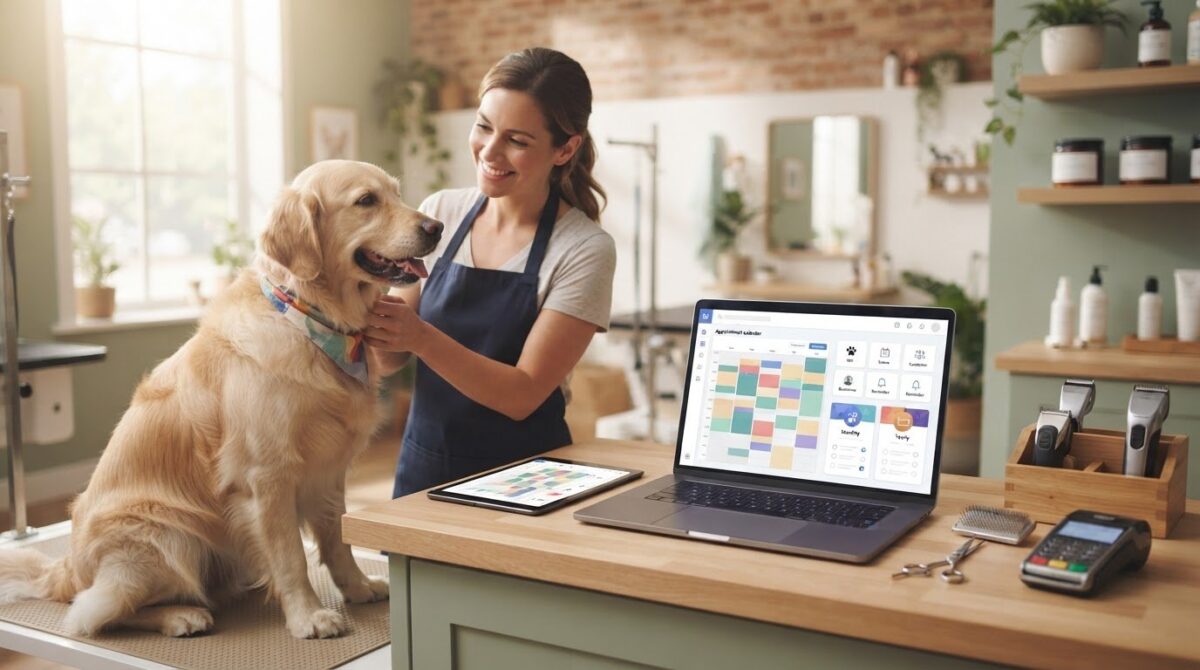
Categories
Uncategorized

Mindbody vs Vagaro for Salons: 2026 Comparison Guide

The biggest names in software might be the very thing holding your salon back from its true profit potential. You’ve likely spent hours weighing mindbody vs vagaro for salons, trying to decide if you want the massive marketplace reach of one or the modular flexibility of the other. It’s exhausting to watch a 20% marketplace commission or a stack of monthly add-ons eat into your margins. You’re looking for a partner, yet it often feels like you’re just another data point in a giant corporate database.

We believe your software should empower your team, not complicate their day. This 2026 comparison guide promises to show you exactly how these giants stack up and why a human-centric alternative might be the best path to a streamlined business. We’ll preview the latest pricing shifts, from Mindbody’s $79 base tier to Vagaro’s unbundled feature costs, helping you find a solution that offers transparent pricing and reliable support. It’s time to move from a state of stress to organized control and find a tool that actually feels like a partner.

Key Takeaways

  • Understand the real impact of “marketplace taxes” and hidden fees on your bottom line before signing a long-term contract.
  • Evaluate mindbody vs vagaro for salons based on your specific team size and whether you need bundled automation or a la carte features.
  • See how industry-specific modules for nail salons and tattoo studios offer more precision than general wellness platforms.
  • Discover why human-centric technical support is the key to reducing staff burnout and streamlining your daily operations.
  • Learn how to protect your client relationships by choosing a software partner that puts your brand’s growth first.

The Salon Software Dilemma: Comparing Mindbody and Vagaro in 2026

Running a salon today requires a delicate balance between high-tech efficiency and high-touch service. When weighing the options for mindbody vs vagaro for salons, most owners feel forced to choose between two very different corporate philosophies. One offers an enterprise-level ecosystem designed for massive scale; the other provides a bustling marketplace that promises instant visibility. Both have shaped the industry, but they also bring specific friction points that can leave boutique owners feeling overwhelmed or overlooked. In 2026, the choice isn’t just about features. It’s about who actually owns your client relationships and how much of your margin you’re willing to give away.

Mindbody: The Enterprise-Level Giant

Mindbody remains the heavy hitter for multi-location wellness centers and fitness-hybrid salons. Looking at the Mindbody platform history, it’s clear the software was built with a fitness-first mindset. This heritage brings incredible power for memberships and class scheduling, but it often creates “feature bloat” for hair and beauty professionals who just need intuitive booking. While the Mindbody app connects you to over 3 million consumers, it comes with a cost. You’ll likely face a 20% commission on new clients discovered through their marketplace. For a growing salon, this “all-in-one” weight can lead to a steep learning curve that frustrates staff and eats into valuable service time. If you’ve ever wondered why people leave Mindbody in growing numbers, escalating subscription tiers and a cluttered interface that complicates routine staff onboarding are among the most cited reasons.

Vagaro: The Marketplace-First Contender

Vagaro won over the mid-market by focusing on simplicity and a “pay-as-you-go” modular model. It’s an attractive fit for independent stylists who want to be discovered without the high upfront cost of enterprise software. Their marketplace is a major draw because it doesn’t charge commissions on new bookings, which helps with initial visibility. However, this convenience has a downside. Your salon is listed right alongside every competitor in your zip code. The interface often encourages clients to shop for the next available opening rather than staying loyal to your specific brand. When you add up the costs for essential modules like branded apps and custom forms, that “affordable” base price can quickly climb.

The core friction in 2026 centers on three main issues: cost, complexity, and client ownership. You want a system that feels like a partner, not a corporation that treats your business as just another database entry. If you’re tired of feeling like a number, it’s time to look at how Encore Salon Software prioritizes your brand over a crowded marketplace.

Core Feature Showdown: Booking, Client Management, and Marketing

Choosing between mindbody vs vagaro for salons often comes down to how these tools handle the daily rush. Your calendar is the heartbeat of your business. If it’s clunky or difficult for staff to navigate, it creates a ripple effect of stress that clients definitely notice. You need a system that feels like a supportive partner, allowing you to focus on your craft rather than fighting with a screen. Both giants offer robust tools, but they approach the user experience with very different philosophies.

Scheduling and Calendar Flexibility

Vagaro is widely praised for its intuitive drag and drop interface. It’s built for speed, making it easy to shuffle appointments when a stylist runs late or a client arrives early. Mindbody offers deep functionality, but its interface can feel heavy, often requiring more clicks to complete simple tasks. Both platforms provide mobile apps to manage your day on the go, which is essential for modern flexibility. They also help you protect your time with automated deposits and cancellation fees. If you are looking for specialized insights beyond hair services, you might find similar logic applied in our guide to the Best Spa Booking Software in 2026.

Client Relationship Management (CRM)

A great CRM should do more than just store phone numbers; it should tell your client’s story. Mindbody excels at tracking memberships and class attendance, which is great for hybrid wellness centers. Vagaro focuses heavily on the individual service history, making it a favorite for traditional salons. However, specialized businesses often find these general tools lacking. A tattoo studio, for example, needs to track detailed ink preferences and medical waivers that a standard hair salon doesn’t require. Proper data management ensures you’re aligning with the U.S. Bureau of Labor Statistics industry overview regarding core managerial duties like client tracking and professional record-keeping.

Marketing and staff management are where you truly reclaim your time. Automated marketing tools like SMS reminders and birthday greetings keep your chairs full without manual effort. On the back end, tracking commissions and performance shouldn’t be a headache. Salon staff utilization rate measures the percentage of available working hours actually filled with client appointments, serving as a vital health check for your business growth in 2026. If you want to see how a human-centric system handles these complex details, consider exploring the specialized Encore features designed for your specific niche.

Beyond the Subscription: Analyzing Pricing and Marketplace Dynamics

When you’re comparing mindbody vs vagaro for salons, the sticker price is rarely the final number you see on your bank statement. It’s easy to get caught up in the promise of a low entry cost, but the true cost of ownership often hides in the fine print. You’ve worked hard to build your business. You shouldn’t have to guess where your money is going or feel like your software is taking a cut of your hard earned success. Understanding these operational costs is part of your broader responsibility, as noted in the Bureau of Labor Statistics occupational outlook for hairstylists and cosmetologists, which highlights the importance of managing inventory and scheduling systems effectively.

The Hidden Costs of Big-Box Software

Mindbody’s public starting tier is $79 per month for small businesses, but this is just the beginning. To access advanced marketing or automation, you’ll likely find yourself looking at quotes for their $279 or $499 tiers. Then there’s the 20% marketplace commission on new clients, which can feel like a heavy tax on your growth. Vagaro takes a different approach by unbundling its features. While a $30 base for one calendar sounds affordable, the “nickel and diming” starts quickly. You’ll pay $10 for digital forms, $20 for SMS marketing, and $100 per month for a custom branded app. Before you know it, that budget friendly tool is costing you hundreds more than you planned.

Marketplace vs. Brand-First Growth

One of the biggest risks with marketplace driven platforms is the “marketplace trap.” When you train your clients to book through a generic directory, you’re helping the platform grow its own brand, not yours. If a client opens an app to find you and sees a competitor’s “introductory offer” right next to your profile, you’ve lost control of the relationship. Setting up a dedicated salon client booking portal ensures your clients stay connected to your brand. It protects your business from being just another listing in a corporate database.

Data ownership is another critical factor. If you ever decide to move to a different provider, some platforms make it difficult to export your client history or formula notes. You should always own your data. It’s your most valuable asset. Choosing a partner that prioritizes transparency and brand loyalty over marketplace commissions is the only way to ensure long term peace of mind. If you’re looking for a simpler way to handle transactions without the corporate complexity, our integrated credit card processing provides the clear, honest pricing you deserve.

Mindbody vs Vagaro for Salons: 2026 Comparison Guide

Industry-Specific Solutions: Tailoring Software to Your Niche

A “one size fits all” approach often feels like wearing a uniform that doesn’t quite fit. While you’re weighing mindbody vs vagaro for salons, it’s easy to see how these platforms try to be everything to everyone. However, a hair salon’s workflow is vastly different from a tattoo studio or a booth rental space. You deserve software that understands the specific nuances of your niche, not a generic system that forces you to change how you work. Choosing the right fit in the mindbody vs vagaro for salons debate depends on how much you value these specialized features.

Specialized Tools for Tattoo and Nail Studios

Nail salons and professional spas have very different inventory needs. A nail studio might need to track thousands of polish shades, glitters, and dipping powders with high precision. Meanwhile, a spa focuses on professional backbar products and retail skincare. Generic platforms often miss these distinctions. Tattoo studios face even stricter requirements, needing integrated digital waivers and health record compliance to meet safety standards. Specialized tools like Encore’s specialized modules outperform generic platforms because they’re designed for these exact scenarios. They remove the friction of manual tracking, giving you more time to focus on your clients.

Specialized businesses require specific features to thrive:

  • Integrated health waivers and consent forms for tattoo and spa services
  • High-precision inventory tracking for thousands of nail supplies and retail items
  • Financial partitioning to keep booth rental income separate from salon overhead
  • Mobile-first management tools for independent contractors on the move

Booth Renters and Independent Stylists

Booth renters and independent stylists face their own set of hurdles. They need individual logins and complete financial separation from the main salon owner while maintaining a professional appearance. It’s about balancing salon wide branding with individual autonomy. Independent pros shouldn’t have to settle for a system that treats them like a standard employee. They need a dedicated booth renter client management app that lets them run their business their way. This level of specialization is what separates a partner from a service provider.

Barbershops also have a unique rhythm, often balancing high turnover with a mix of scheduled appointments and walk-ins. Managing that flow requires a specific strategy. If you’re looking to sharpen your operations, explore these 15 Barbershop Management Tips to stay ahead of the curve in 2026. Whether you’re running a multi-chair shop or working as a solo contractor, the right software should feel like a natural extension of your hands.

See how Encore fits your niche today

Encore: The Professional Alternative for Human-Centric Salons

Deciding between the trade-offs of mindbody vs vagaro for salons often feels like picking the lesser of two corporate evils. You’re either a tiny fish in a massive enterprise pond or a single listing in a crowded marketplace. After exploring the hidden costs and feature gaps of these giants, many owners realize they need a third path. You deserve a platform that prioritizes your peace of mind and business growth without the corporate coldness. Encore stands apart as a dedicated, human-centric ally that treats your success as its own.

Human Support in a Digital World

We reject the trend of automated bots and endless email ticketing systems. When you have a question or a technical hiccup, you deserve to speak with a real expert who understands the daily hurdles of running a busy shop. Our team provides personalized training to ensure your staff actually uses the software to its full potential rather than feeling intimidated by it. This hands-on guidance removes the stress of learning a new system. We approach every challenge with a “can-do” attitude, acting as a supportive partner that remains deeply invested in your individual success.

All-In-One Without the Overwhelm

You don’t need software that’s too difficult for your team to master. Encore brings together online booking, inventory management, and integrated credit card processing into a single, intuitive interface. You can drive repeat business with branded gift cards and loyalty programs that feel like a natural extension of your brand. It’s about having professional power without the unnecessary complexity that leads to staff burnout. We focus on removing industry frustrations so you can get back to what you love. Ready to see a better way? Try Encore Salon Software today.

Moving your data from Mindbody or Vagaro doesn’t have to be a nightmare. We specialize in seamless data migration, handling the technical heavy lifting so you don’t have to worry about losing your history. Your client records, formula notes, and inventory data are too valuable to leave behind. By choosing a partner that values reliability and simplicity, you’re investing in a tool that finally feels like it’s on your side. In the final analysis of mindbody vs vagaro for salons, the best choice is the one that values your brand over its own marketplace.

Choose a Software Partner Built for Your Salon’s Future

Deciding between mindbody vs vagaro for salons doesn’t have to be a choice between two corporate extremes. You’ve seen how the “marketplace tax” can eat into your profits and how generic tools often fail specialized niches like tattoo studios or booth rental shops. The right software should feel like a partner that simplifies your day, not a vendor that treats you like a database entry. By prioritizing transparent pricing and specialized modules, you protect your brand and your peace of mind.

We provide the professional power you need with a human touch that big-box companies often lack. With integrated credit card processing and dedicated support from real experts, we help you move from a state of stress to organized control. You deserve a system that understands the daily hurdles of your industry and is genuinely eager to help you overcome them.

Experience the Human-Centric Alternative to Big-Box Software—Try Encore Now

Take the next step toward a more streamlined and supportive business environment today. Your success is our priority, and we’re ready to help you thrive.

Frequently Asked Questions

Is Mindbody or Vagaro better for a small salon?

Choosing between mindbody vs vagaro for salons depends on your specific growth goals. Mindbody offers deep automation for large wellness centers but often feels too complex for boutique teams. Vagaro is easier to start with but relies heavily on its own marketplace. For a small salon, you want software that feels like a partner, not a giant corporation. Encore provides specialized tools that simplify your day without the enterprise-level learning curve or hidden marketplace commissions.

Can I migrate my client data from Mindbody to Encore?

Yes, moving your client history and formula notes is a seamless process with our team. We handle the technical heavy lifting so you don’t have to worry about losing years of valuable data. Whether you are coming from Mindbody or Vagaro, we ensure your records are transferred accurately. This hands-on support removes the typical stress of switching systems, letting you focus on your craft while we set up your new digital home.

Does Vagaro charge fees for every booking made through their marketplace?

Unlike Mindbody, which charges a 20% commission on new clients found through its app, Vagaro currently offers its marketplace with $0 commission per booking. However, while the marketplace is free, Vagaro unbundles its features. You might find yourself paying extra monthly fees for essential tools like digital forms, SMS marketing, or a custom branded app. These add-ons can quickly increase your total monthly spend beyond the initial base subscription price.

What is the best alternative to Mindbody for a high-end spa?

Encore Spa Software is the premier alternative for high-end spas that value a personalized touch. While Mindbody focuses on fitness and wellness conglomerates, our platform is built specifically for the high-touch requirements of a professional spa. We offer specialized inventory management and client relationship tools that big-box software often generalizes. You get the professional power of an enterprise system with the dedicated human support that ensures your team feels confident and supported.

Do these platforms include integrated credit card processing?

Yes, both Mindbody and Vagaro offer integrated payments, and Encore provides Integrated Credit Card Processing as well. Having payments tied directly to your booking system reduces manual entry errors and speeds up the checkout process. Our solution offers transparent pricing without the corporate complexity. It allows you to manage deposits, memberships, and gift cards in one place, ensuring your financial tracking is as streamlined as your appointment calendar.

How does Encore’s support differ from big-box software companies?

We reject the trend of automated chatbots and delayed email tickets used by many big-box software companies. Our support is handled by real experts who understand the daily hurdles of the beauty industry. You get a dedicated ally with a “can-do” attitude, ready to solve problems over the phone. This human-centric approach ensures you never feel like just another number in a database, providing a level of reliability that corporate giants simply don’t match.

Can I manage booth renters with salon software?

Yes, managing booth renters requires specific tools that maintain individual autonomy while keeping the salon organized. Encore offers specialized Chair/Booth Renter Software that provides separate logins and financial partitioning. This ensures that independent contractors can manage their own schedules and income without it getting tangled in the salon’s overhead. It’s the perfect balance of professional salon branding and the individual freedom that modern independent stylists require to thrive.

Is there a contract required for salon management software in 2026?

Software contracts vary across the industry, but the trend in 2026 is moving toward more flexible, month-to-month arrangements. We believe in earning your business every day through reliability and excellent support rather than locking you into restrictive long-term commitments. When comparing mindbody vs vagaro for salons, always check for hidden cancellation fees or data export costs. We prioritize transparency, ensuring you always own your data and feel empowered in your software partnership.

Disclaimer

This article is general in nature and may contain errors, please verify all claims with your sales rep
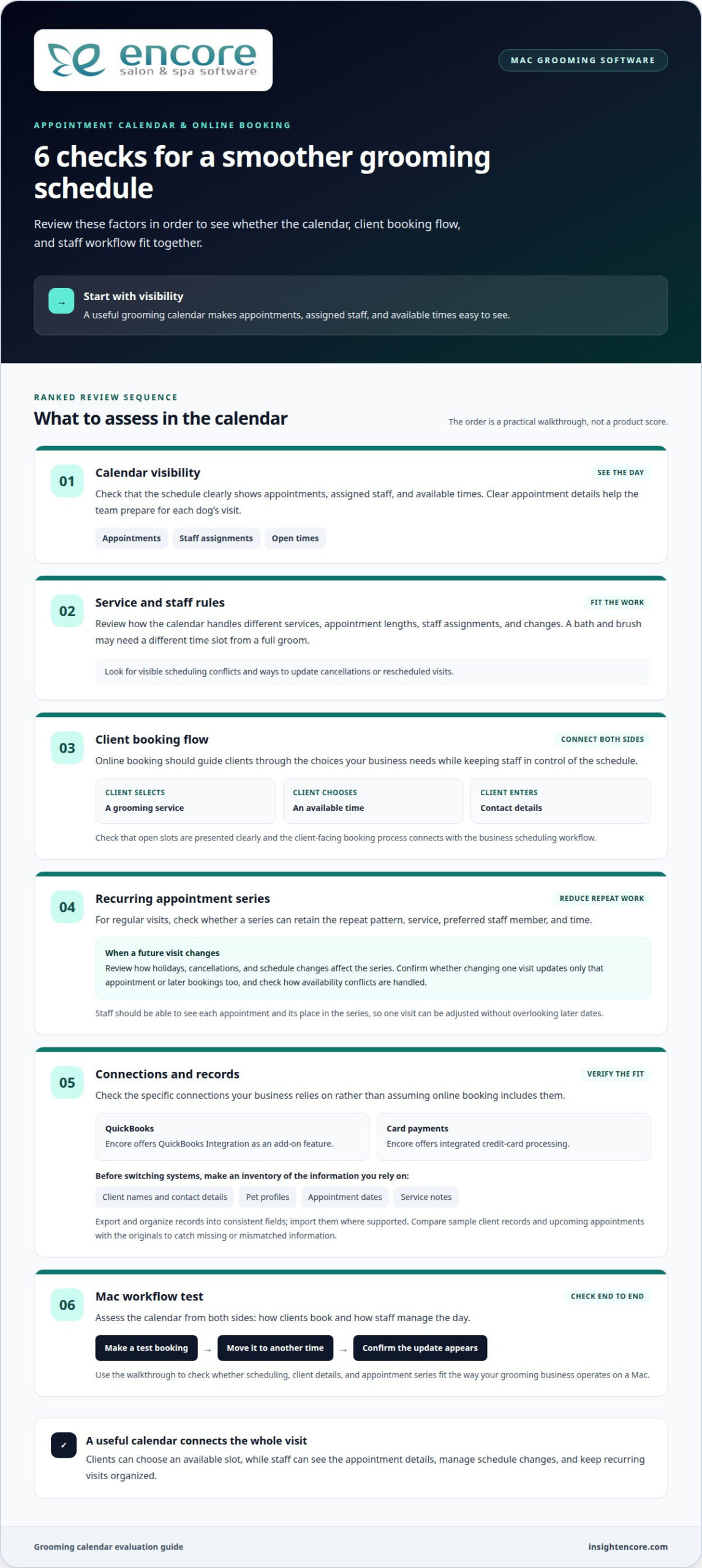
Categories
Uncategorized

2026 Spa Digital Waiver Guide: Security & Compliance

Imagine a client arrives for a luxury treatment, but your front desk is scrambling because their health history form has vanished into a misplaced folder. It’s a stressful way to start a service, and in 2026, it’s also a significant liability risk. With HIPAA civil penalties for willful neglect now reaching a minimum of $73,011 per violation, the stakes for handling sensitive health data have never been higher. Transitioning to client waiver forms for spas digital isn’t just about saving trees. It’s about building a secure, ironclad foundation for your business growth.

We understand that changing your daily workflow can feel daunting, but you deserve a system that works as hard as you do. This guide will walk you through the transition from messy clipboards to a seamless, modern experience that protects your spa legally. You’ll learn how to implement digital waivers that sync automatically to client profiles, ensuring faster check-ins and total peace of mind. We’re diving into the latest 2026 security standards and the simple steps to create a truly paperless, compliant office.

Key Takeaways

  • Understand the critical 2026 legal standards, including HIPAA and ESIGN, to ensure your forms are fully compliant and court-ready.
  • Discover how switching to client waiver forms for spas digital removes the friction of paper filing while keeping sensitive health data secure.
  • Identify the hidden operational costs of standalone apps and why integrated software creates a more seamless experience for your team.
  • Learn a practical, step-by-step approach to auditing your current forms and launching a modern, paperless intake workflow.
  • See how automated syncing to client profiles can eliminate front-desk congestion and provide therapists with instant access to vital contraindications.

Why Digital Client Waiver Forms are Essential for Spas in 2026

Digital waivers are much more than just a PDF on a screen. They are legally binding electronic records that replace traditional paper liability releases. These systems ensure every guest acknowledges the risks and protocols of their treatment before they ever step into a treatment room. By meeting foundational ESIGN Act requirements, these digital documents carry the same legal weight as a physical signature, but with far greater security. Implementing client waiver forms for spas digital protects your business and your clients simultaneously.

Maintaining a wall of filing cabinets isn’t just an eyesore. It’s a drain on your resources. Between paper, toner, and the physical space required for long-term storage, paper systems are expensive. There’s also a significant “first impression” cost. Premium clients in 2026 expect a high-tech, high-touch experience. Handing a guest a tattered clipboard and a dying pen feels out of sync with a modern wellness brand.

The Shift Toward Paperless Operations

Transitioning to client waiver forms for spas digital allows your team to focus on the guest, not the paperwork. You can reduce administrative overhead by eliminating the need to scan and file documents manually. When a client returns for their second or third visit, you won’t have to go digging through folders. Real-time accessibility means your staff can pull up a waiver on an iPad in seconds during a consultation. This efficiency reinforces your brand as a “green,” forward-thinking establishment that values both the environment and the client’s time.

Legal Protection in the Digital Age

A digital signature is often more enforceable than a scrawled paper one. Digital platforms capture an audit trail that paper simply can’t match. This includes exact timestamps and IP tracking for verification. In a dispute, being able to prove exactly when and where a form was signed is vital. Digital forms also prevent human error. You can make specific fields “required,” ensuring no guest accidentally skips a crucial health disclosure or signature line.

The stakes for compliance are higher than ever. As of January 2026, HIPAA civil monetary penalties have been adjusted for inflation. Even a “No Knowledge” violation (Tier 1) can carry a minimum penalty of $145 per violation. Willful neglect can skyrocket to over $73,011. Using a secure digital system ensures you are meeting these standards while keeping your professional liability insurance premiums in check. For businesses offering specialized services, such as those using Tattoo Studio Software, having these digital safeguards in place is often the difference between a minor hiccup and a business-ending legal battle.

Adopting client waiver forms for spas digital transitions your business into a sophisticated legal framework. It’s not just about convenience; it’s about building a defense that holds up under scrutiny. In 2026, legal standards have evolved to demand more than just a digital signature. They require proof of identity, intent, and a clear audit trail. When you handle sensitive health data, you aren’t just a service provider. You’re a data steward.

Understanding ESIGN and UETA Compliance

The legal weight of your digital forms rests on two pillars: the federal ESIGN Act and the state-level Uniform Electronic Transactions Act (UETA). For a signature to be binding, you must prove the client intended to sign and consented to do business electronically. You can’t just assume consent. Your system must clearly present the terms and capture an affirmative action, like a typed name or a biometric touch. In 2026, ESIGN Act compliance for spa owners means maintaining a verifiable, tamper-evident record of a client’s clear intent and affirmative consent to be bound by electronic terms.

Privacy laws are also tightening. As of January 2026, new comprehensive data privacy laws in Indiana, Kentucky, and Rhode Island have gone into effect. These laws classify the health questions on your intake forms as “sensitive personal data.” This mandates strict data minimization and clear privacy disclosures. Following FTC data security guidelines is no longer optional for professional spas. It’s a baseline requirement for avoiding heavy fines and maintaining client trust.

Data Security and Storage Best Practices

Where you store your data matters just as much as how you collect it. Local storage on a front-desk computer is a significant risk. If that hardware fails or is stolen, your legal protection vanishes. Cloud-based storage offers superior security through redundancy and high-level encryption. Look for software that carries SOC 2 Type II certification. This third-party audit proves the platform meets the highest industry standards for security, availability, and confidentiality.

Your digital ecosystem should protect data at every stage. This includes “encryption at rest” for stored files and “encryption in transit” when a client submits a form. To dig deeper into protecting your business, check out our Salon Client Data Security Best Practices. Modern systems now even utilize biometric verification or AI-driven fraud detection to ensure the person signing is who they say they are. These layers of protection turn your intake process into a robust security asset. If you’re ready to move beyond paper, you can modernize your intake process with a platform built for these 2026 standards.

Standalone Waiver Apps vs. Integrated Spa Management Software

Choosing the right tool for client waiver forms for spas digital often comes down to one question: do you want your software systems to talk to each other? Many owners start with standalone apps because they seem quick to set up. However, these tools often create “data silos” where your legal documents live in one world and your appointment book lives in another. This disconnect forces your front desk to manually check if a form was signed before every single service. It’s an unnecessary hurdle that slows down your operations and frustrates your team.

When you use separate systems, you are likely paying for two subscriptions. You’re also paying in lost time. Manual data entry or uploading PDFs from one app to another is a recipe for human error. Integrated systems like Encore Salon & Spa Software remove this friction by making the waiver a natural part of the client’s master record. This ensures that every piece of data, from contact info to liability releases, stays in one secure place. Beyond waivers, securing how you process payments is equally critical — understanding PCI compliance for small business salons ensures your entire client data ecosystem is protected from breach to billing.

The Case for Standalone Waiver Tools

Standalone tools might suffice for a solo provider with a very small client list. They offer a basic way to go paperless without committing to a full management suite. But as you scale, the limitations become obvious. You’ll find yourself wrestling with manual exports or finicky third-party integrations just to keep your records updated. If a client disputes a treatment, you don’t want to be hunting through a separate app to find their specific signature. You need that information available instantly within their profile.

The Power of Integrated Client Records

The real power of modern technology lies in a unified Client Management System. When your waivers are integrated, they become the foundation of a client’s digital history. Professional client intake and consent documentation shouldn’t be an isolated task. It should be a seamless part of the guest journey. With Encore, you can automate this entire process from the start.

Your Online Booking Module can trigger a waiver request the moment an appointment is made. By the time the client walks through your door, their signed form is already attached to their profile. This reduces check-in friction because your staff can see a “missing waiver” alert before the client even arrives. You save money on multiple subscriptions and, more importantly, you save hours of administrative time every week. It’s about moving from a state of potential stress to a feeling of organized, professional control.

2026 Spa Digital Waiver Guide: Security & Compliance

How to Implement a Seamless Digital Intake Workflow

Transitioning from paper to client waiver forms for spas digital requires a clear plan, but the relief of a paperless office is well worth the effort. Start with a thorough audit of your current physical forms. Identify the essential legal clauses and remove any redundant questions that create unnecessary clutter. Once you’ve refined your content, choose a platform that understands your niche. If you offer specialized services, look for Tattoo Studio Software or medspa modules that already include compliant, industry-specific templates.

Map the client journey from the moment of booking to the final signature. Your staff should be empowered to guide clients through this change. Instead of just handing over a tablet, they can explain how digital storage keeps sensitive health data safer than a physical folder. For your existing paper archives, you don’t need to scan every document overnight. Focus on digitizing active clients first and move through the rest of your files as time permits during slower periods.

Designing Your Digital Form for Clarity

A great digital form is short and relevant. Use conditional logic to hide questions that don’t apply to a specific client. If a guest indicates they have no allergies, they shouldn’t have to scroll past five more questions about allergy types. Mobile-friendliness is also non-negotiable. Most clients will complete these forms on their phones, so ensure the layout is clean and the buttons are easy to tap. Use clear, non-technical language. Swapping complex medical jargon for everyday terms makes the process feel more welcoming and less like a legal interrogation.

Optimizing the Check-In Experience

The goal is to remove friction before the client even arrives. Send automated text or email links 24 hours before the appointment to encourage pre-arrival completion. For those who prefer to sign in person, set up a dedicated tablet kiosk in your waiting area. This keeps your front desk clear of congestion. If a client is tech-averse, approach them with empathy. A friendly staff member can walk them through the tablet interface, turning a potential hurdle into a professional, supportive interaction.

Modernize your spa intake process today

Secure Your Future with Encore Spa Software

Choosing a software partner is about more than just a feature list. It’s about reliability and long-term support. At Encore, we’ve been a dedicated ally to the beauty and wellness industry since 1991. We understand the daily hurdles you face because we’ve spent decades helping businesses like yours overcome them. Our platform integrates client waiver forms for spas digital directly into your daily operations. This ensures that legal protection isn’t a separate, manual task. Instead, it becomes a built-in standard that protects your peace of mind.

Security is our priority. We provide the cloud-based reliability you need to store sensitive health data without the risks of physical filing. When your waivers live inside your management system, you eliminate the data silos that lead to errors. You gain a unified view of your business that scales as you grow. Whether you’re managing a single boutique or a large multi-location franchise, our tools for POS, inventory, and staff management work in perfect harmony with your digital intake process.

More Than Just a Signature

A waiver is the start of a client relationship, not just a liability shield. The information you collect during intake is a goldmine for business growth. With Automated Marketing, you can turn client preferences and health notes into personalized experiences that drive revenue. If a guest mentions a specific skin concern on their digital form, your system can trigger a follow-up email with relevant care tips or a curated treatment recommendation.

You can also strengthen your total ecosystem by connecting intake data to our Gift Cards and loyalty programs. When you know your clients better, you can serve them better. This level of personalization is what builds lasting loyalty in a competitive market. You aren’t just checking a compliance box; you’re building a data-driven strategy for success that starts the moment a client signs their first form.

Getting Started with Encore

We know that moving your data can feel like a massive undertaking. That’s why we’ve designed our migration process to be as smooth as possible. Our team acts as your dedicated mentor, helping you move away from paper or outdated systems with professional confidence. We don’t just hand you a login. We provide the hands-on support you need to implement a 2026-ready workflow that simplifies your life and impresses your guests.

Ready to see the difference for yourself? You can explore our Pricing or reach out to us for a personalized demo through our Contact page. Let’s work together to create a secure, seamless, and paperless future for your spa today.

Take the Next Step Toward a Secure, Paperless Spa

Moving your business into 2026 means leaving behind the clutter and risk of physical paperwork. You’ve seen how modern security standards demand more than just a signature. They require a secure, verifiable system. Transitioning to client waiver forms for spas digital isn’t just a technical upgrade. It’s a commitment to protecting your clients and your business from legal and financial vulnerability.

By integrating these forms into your overall management workflow, you remove the friction that slows down your front desk and frustrates your guests. Since 1991, we’ve helped beauty and wellness professionals replace stress with organized control. Our all-in-one management suite provides specialized modules for spas and tattoo studios, ensuring your intake data lives securely within the client record where it belongs. You gain a partner that understands the specific nuances of your craft and the importance of data security.

Ready to go paperless? Request a demo of Encore Spa Software today.

You deserve a system that grows alongside your business while providing total peace of mind. We’re here to help you make this transition with professional confidence and ease. Let’s make your transition to a modern, secure office simple and empowering.

Frequently Asked Questions

Are digital waivers as legally binding as paper ones in 2026?

Yes, digital waivers carry the same legal weight as traditional paper forms under the ESIGN Act and UETA. To be fully enforceable, your system must capture clear intent to sign and affirmative consent to do business electronically. Modern platforms create a tamper-evident audit trail that records timestamps and IP addresses. This level of detail often makes digital records more reliable than paper in a court of law.

Can I use a digital waiver software on an iPad or tablet at the front desk?

Yes, using a tablet or dedicated kiosk is a standard practice for modern spas. You can set up a station in your waiting area where clients can securely complete their forms upon arrival. If you use integrated software, your front desk team will see an automatic alert if a waiver is missing. This prevents service delays and ensures your client waiver forms for spas digital are always signed before a treatment begins.

How does digital waiver software help with HIPAA compliance for medspas?

Digital software provides encryption and access controls that physical filing cabinets simply cannot offer. With HIPAA civil penalties for willful neglect starting at $73,011 in 2026, secure storage is a financial necessity. A compliant system ensures that sensitive health data is only accessible to authorized staff. It also maintains a log of who viewed the record and when, which is a critical requirement for medical-grade wellness facilities.

Do clients need to create an account to sign a digital waiver?

No, most clients don’t need to create a username or password to sign their forms. You can send a secure, personalized link directly to their phone or email 24 to 48 hours before their appointment. This low-friction approach allows them to complete the intake process on their own device at their convenience. It speeds up the check-in process and keeps your lobby clear of congestion.

What happens if a client refuses to sign a digital form?

If a client is hesitant, your staff should explain that digital forms are used to protect their private health information. You can offer to walk them through the process on a spa tablet to show how simple it is. While you can technically provide a paper copy, this creates a data silo that is harder to secure. Most businesses find that a reassuring, empathetic explanation of the security benefits resolves these concerns.

Can I customize the digital waiver to match my spa branding?

Yes, professional software allows you to fully customize your forms to reflect your brand identity. You can add your logo, choose your brand colors, and adjust the fonts to create a cohesive experience. This consistency builds trust with your clients and reinforces your image as a high-quality establishment. Customizing your client waiver forms for spas digital ensures that every touchpoint feels like a natural extension of your spa.

How long should I store digital waivers for my spa business?

Storage requirements vary by state, but most legal experts recommend keeping liability waivers for at least three to seven years. Some states have longer statutes of limitations for personal injury claims. One of the biggest benefits of cloud-based software is that it provides unlimited, secure storage without taking up physical space. You don’t have to worry about documents getting lost or damaged over time, as they are backed up automatically.

Does Encore Salon Software include digital waiver features?

Yes, Encore Salon & Spa Software includes integrated digital intake and waiver features as part of its all-in-one management suite. We’ve been a trusted partner in the industry since 1991, and our system is designed to remove the frustration of disconnected apps. Your waivers live directly within the client’s master profile. This integration ensures that therapists can review contraindications and notes instantly before every service, keeping your clients safe and your business compliant.

Disclaimer

This article is general in nature and may contain errors, please verify all claims with your sales rep

Categories
Uncategorized

PCI Compliance for Salons: 2026 Security Guide

Did you know that roughly 60% of small merchants pay monthly non-compliance fees simply because they haven’t checked the right boxes? It’s a frustrating reality for many owners who would rather focus on their clients than on technical manuals. Managing pci compliance for small business salons often feels like a full-time job involving endless paperwork and the constant fear of a surprise fine. You’ve worked hard to build a reputation of trust. A single data breach shouldn’t be allowed to put that relationship at risk.

We understand that keeping up with the transition to PCI DSS 4.0 can feel overwhelming, especially when you’re trying to decipher complex security requirements. This guide is here to remove that stress. You’ll learn exactly how to protect your salon from data breaches and meet modern security standards without the usual technical headache. We’ll provide a clear checklist of actions and show you how the right software can automate the most difficult parts of the process. You deserve the confidence that comes with knowing your client data is safe and your business is fully protected.

Key Takeaways

  • Identify why Level 4 is the standard tier for pci compliance for small business salons and how to meet these requirements with minimal paperwork.
  • Learn how to avoid monthly non-compliance fees and protect your salon from the devastating “hidden” costs of a data breach.
  • Discover why never storing sensitive card data on your local devices is the most important step in protecting your clients’ trust.
  • Follow a practical 2026 checklist that focuses on using PCI-validated hardware and modern EMV chip technology.
  • See how integrated software can automate your security by moving sensitive information to a secure, off-site cloud vault.

What is PCI Compliance and Why Does Your Salon Need It?

PCI DSS might sound like a mouthful of technical jargon, but it’s actually quite simple. At its core, the Payment Card Industry Data Security Standard (PCI DSS) is a set of common-sense safety rules for digital money. If your salon accepts credit or debit cards, whether through a physical terminal or an online booking system, you’re required to follow these rules. It doesn’t matter if you’re a single-chair studio or a multi-location spa; the standards apply to everyone who touches cardholder data.

In 2026, the digital landscape has shifted significantly. While big-box retailers used to be the main targets for hackers, cybercriminals have turned their attention toward smaller targets. They’ve found that pci compliance for small business salons is often overlooked, making local businesses the “low-hanging fruit” for small-scale breaches. Protecting your business isn’t just a legal hoop to jump through. It’s a fundamental part of your daily operations that keeps your doors open and your reputation intact.

The Link Between Security and Client Trust

Think about the relationship you have with your guests. They trust you with their hair, their skin, and their personal stories. When they hand over a credit card, they’re also trusting you with their financial livelihood. A data breach at a massive corporation is just a headline. A data breach at a local salon is a personal betrayal that can end a stylist’s career.

The emotional impact of identity theft lingers far longer than a bad haircut. If a client’s information is compromised through your system, that hard-earned trust evaporates instantly. By prioritizing security, you’re positioning yourself as a professional who cares about the “behind-the-scenes” details just as much as the final look. Treating data protection as an extension of your high-quality customer service is a smart way to build long-term loyalty.

Common Salon Payment Scenarios

Many owners don’t realize how many touchpoints their data actually has. Whether you’re swiping a card in person or taking a deposit through an online booking module, sensitive data is moving through your network. Each of these scenarios requires specific protections to stay compliant.

Things get even more complex if you have booth renters or independent contractors. If they’re using your Wi-Fi or your software, their security habits directly affect your salon’s compliance profile. One of the biggest risks remains “old school” habits. Writing down a client’s card number on a piece of paper or a sticky note is a major security violation. Digital security starts with moving away from these physical vulnerabilities and using integrated tools like Encore Salon Software to handle the heavy lifting for you.

Understanding the 4 PCI Compliance Levels for Small Businesses

Not every business faces the same level of security scrutiny. The payment card industry divides merchants into four distinct levels based on their annual transaction volume. While it’s tempting to think that being a local shop makes you exempt from these rules, that isn’t the case. Every business that accepts credit cards must validate their compliance. The industry simply scales the proof required so you aren’t stuck with the same audit burden as a global retailer. Understanding pci compliance for small business salons starts with knowing where you fit on this scale.

Level 4: The Small Salon Standard

Level 4 is the standard home for any business processing fewer than 20,000 card transactions per year. For the vast majority of independent salon owners, this is the category where you’ll stay. To maintain your status, you’ll need to complete a yearly self-certification process. This isn’t a physical inspection of your styling stations. Instead, it’s a digital questionnaire where you confirm your security habits and hardware. Your payment processor plays a central role here. They track your volume and send out the annual reminders to stay compliant. Ignoring these requests often leads to automatic monthly non-compliance fees, so it’s best to stay proactive.

The SAQ: Which Version Do You Need?

The Self-Assessment Questionnaire, or SAQ, is the specific document you’ll use to certify your compliance. There are different versions tailored to how you handle client data. SAQ-A is often used when you fully outsource your payments, such as through an online booking portal that handles the transaction entirely off-site. SAQ-B is typically for those using standalone terminals that connect via a phone line or the internet. Choosing the right version is vital because it determines exactly which security questions you have to answer.

Using an integrated system like Encore credit card processing makes this choice much easier. When your point-of-sale software and hardware are designed to work together from the start, they often reduce the scope of your compliance. This means you have fewer technical hurdles to clear and fewer boxes to check on your annual form. It turns a confusing chore into a simple, manageable task. If you’re tired of guessing which forms apply to your business, you can contact our team for a friendly chat about simplifying your setup.

The High Cost of Non-Compliance in the Beauty Industry

Ignoring pci compliance for small business salons isn’t just a security risk; it’s a direct leak in your business bucket. Most payment processors don’t wait for a breach to penalize you. They charge monthly non-compliance fees that typically range from $10 to $100. Over a single year, that is up to $1,200 of your hard-earned money vanishing for no reason other than a missing certificate. This is money that could be spent on better backbar supplies or team education.

If a breach does occur, the situation escalates rapidly. You might be on the hook for forensic audits, which are mandatory investigations that can cost thousands of dollars. You’ll also face card replacement fees for every client affected and potential legal expenses. Many stylists believe they’re too small to be a target, but this is a dangerous misconception. Modern hackers use automated bots that scan the internet for weak spots. These bots don’t care if you have two chairs or twenty; they only care about finding an open door. If you’re found to be at fault during a breach, you could even lose your ability to accept credit cards entirely. That is a death sentence for a modern beauty business.

Fines vs. Fees: What You’ll Actually Pay

It’s vital to distinguish between bank-imposed fees and industry fines. Fees are the monthly charges you pay for simply not being certified. Fines, however, are the massive penalties handed down after a security failure. These can range from $5,000 to $100,000 per month for prolonged periods of non-compliance. This recurring drain on your resources makes it much harder to maintain a healthy business. Learning how to increase salon profit margin starts with plugging these unnecessary financial leaks and protecting what you’ve already built.

The ‘Ghosting’ Effect: Reputation Damage

In 2026, consumers are more sensitive to data privacy than ever before. We live in an “instant cancel” culture where a single security notice can cause your books to empty overnight. If a client receives a letter saying their financial info was compromised at your salon, they won’t just be angry; they’ll feel unsafe. Rebuilding a local brand after a security scandal is incredibly difficult and often more expensive than the fines themselves. Prevention is significantly cheaper than a cure. Taking small steps now to secure pci compliance for small business salons ensures that your reputation for excellence remains untarnished.

PCI Compliance for Salons: 2026 Security Guide

Your 2026 Salon PCI Compliance Checklist: 5 Essential Steps

Securing pci compliance for small business salons isn’t about becoming a tech expert. It’s about building a protective bubble around your daily routine. When you follow these five essential steps, you’re doing more than just following rules; you’re protecting your livelihood and the trust of every guest who walks through your door.

  • Step 1: Use only PCI-validated hardware and software. Ensure your terminals support EMV chip technology and modern contactless payments.
  • Step 2: Never store sensitive card data. This includes CVV codes or full track data on any device, including your salon’s computer or a stylist’s phone. If you don’t have the data, hackers have nothing to steal.
  • Step 3: Secure your salon’s Wi-Fi. Modern salons often run on tablets and mobile devices. You must set up a private network for your business operations and a completely separate guest network for your clients.
  • Step 4: Train your staff on basic hygiene. Ensure everyone has their own unique login and understands that sharing passwords or texting card details is a major risk.
  • Step 5: Complete your annual Self-Assessment Questionnaire (SAQ). This yearly check-in with your payment processor confirms you’re still following best practices and helps you avoid non-compliance fees.

Modern Hardware and the 2026 Standard

In 2026, the old swipe-only machines are more than just slow; they’re a massive liability. Modern terminals now use Point-to-Point Encryption (P2PE) to protect data from the second a card touches the machine. This ensures that sensitive info is unreadable to anyone trying to intercept it. As we move toward more mobile-first and biometric payments, having hardware that supports these secure, modern methods is vital. You can find more details in our guide on Salon client data security best practices.

Staff Training and Human Error

The most common security leak isn’t a high-tech hack. It’s often a busy stylist texting a client’s card info to the front desk to speed up a checkout. This creates a permanent, unencrypted record of sensitive data on multiple devices. Use your next team meeting to establish simple “dos and don’ts”. For example, never write down card numbers and always use your integrated POS for transactions. Training your team doesn’t have to be a lecture. It’s an opportunity to empower them as protectors of the salon’s reputation. If you have booth renters, make sure your software allows for specific access levels to keep their data separate and secure.

See how Encore can help you stay compliant

Simplifying Compliance with Encore Salon & Spa Software

Managing pci compliance for small business salons doesn’t have to be a solo mission. While the technical requirements of 2026 might seem daunting, the right tools can handle the heavy lifting for you. Encore Salon & Spa Software is designed to act as your reassuring partner, ensuring you meet every security standard without needing a degree in computer science. By using an all-in-one platform, you significantly reduce the scope of your compliance. This means there are fewer areas of your business that require rigorous auditing because the software manages the most sensitive tasks behind the scenes.

One of the most effective ways we protect your business is through our “Vault” approach. When a client pays, their sensitive card information never actually touches your local computer or salon network. Instead, it’s sent directly to a secure, off-site cloud vault using advanced tokenization and encrypted hardware. This ensures that even if your local hardware is compromised, there is no sensitive data for anyone to find. Additionally, our system features automatic updates. You won’t have to worry about manual downloads or checking for patches; we ensure your software always meets the current 2026 standards so you can stay focused on your guests.

Integrated Processing vs. Third-Party Add-ons

When your point-of-sale and your credit card processor speak the same language, security naturally improves. Using third-party add-ons often creates “seams” or gaps in your data flow where information can be vulnerable. By consolidating your tools through Encore features, you reduce the number of vendors you have to manage. This not only closes potential security holes but also simplifies your annual paperwork. One integrated system means one clear path to safety and a much lighter administrative load for you.

Peace of Mind for Every Niche

Every beauty and wellness business has unique needs. For tattoo studios and high-end spas, where client privacy is paramount, our software provides specialized modules that keep records secure and organized. We also offer dedicated support for independent booth renters, helping them maintain their own pci compliance for small business salons without complicating the salon’s overall network. Our goal is simple: you focus on the art of your craft, and we’ll focus on the security of your business. You’ve built a brand your clients love; let’s work together to keep it protected.

Secure Your Salon’s Future and Client Trust

Protecting your business from data breaches isn’t just a legal requirement; it’s a promise to your clients that their financial safety is as important as their style. By following the 2026 checklist and moving away from outdated hardware, you’re building a foundation of trust that keeps guests coming back. You don’t have to face these technical hurdles alone. Modern pci compliance for small business salons is much simpler when you have a partner that handles the encryption and updates for you.

Since 1991, we’ve focused on providing reliable tools for the beauty industry. Our integrated POS and credit card processing are built to meet the highest security standards, ensuring sensitive data stays off your local network. You’ll also have access to dedicated human support to guide you through every step of the setup process.

Secure your salon's future with Encore’s integrated payment processing today.

You’ve worked hard to build your brand. Let’s make sure it’s protected so you can get back to what you love doing most.

Frequently Asked Questions

Is PCI compliance a law or just a guideline?

PCI compliance is a mandatory contractual requirement rather than a federal law. Major credit card brands like Visa and Mastercard require every merchant who accepts their cards to follow these security rules. If you don’t comply, you aren’t just ignoring a suggestion; you are breaching your merchant agreement. This can lead to heavy monthly penalties or the total loss of your ability to process card payments in 2026.

How much does it cost for a small salon to become PCI compliant?

The cost of pci compliance for small business salons depends on your processor and specific hardware. Many banks charge a monthly non-compliance fee if you haven’t certified, which typically ranges from $19.95 to $39.95. You might also pay for annual certification or updated EMV hardware. Choosing an integrated software partner often removes these extra costs by including security features as part of your standard monthly service.

Do I still need to be compliant if I only use a mobile card reader?

Yes, you must remain compliant even if you only use a mobile reader or a tablet based system. Any device that accepts, transmits, or stores cardholder data falls under these security rules. Using a mobile reader doesn’t exempt you from the annual Self-Assessment Questionnaire. It’s vital to ensure your mobile hardware is PCI-validated to protect your business and your clients from potential data theft or unencrypted leaks.

What happens if my salon has a data breach but I am PCI compliant?

If a breach occurs while you are fully compliant, your liability and potential fines are significantly lower. Being compliant proves that you took the necessary steps to protect your data according to industry standards. While you might still face a forensic audit, you won’t be penalized for negligence. Think of it as a solid insurance policy; it provides your best defense against the devastating financial costs of a security incident.

Does PCI compliance cover client contact info like phone numbers and emails?

PCI compliance specifically focuses on protecting cardholder data, such as card numbers and CVV codes. It doesn’t cover personal information like phone numbers or email addresses. However, protecting client contact info is still essential for maintaining trust and professional reputation. While PCI doesn’t mandate its protection, other privacy standards require that you handle all client data with the same level of care you give to their credit cards.

How often do I need to renew my PCI certification?

You are required to renew your PCI certification every year. For most small salons, this involves completing the Self-Assessment Questionnaire to confirm your security practices are up to date. It isn’t a “one and done” task because security threats evolve constantly. Staying on top of this annual requirement is the best way to avoid surprise non-compliance fees from your payment processor throughout the year and keep your business safe.

Can my salon be fined even if we haven’t had a data breach?

Yes, your salon can be fined even if you have never experienced a security breach. Most payment processors charge automatic monthly fees to any merchant who hasn’t validated their pci compliance for small business salons. These are essentially penalties for the risk you represent to the network. By completing your annual certification, you stop these unnecessary financial leaks and prove to your bank that your business follows the current security standards.

Is there a difference between PCI compliance and HIPAA for spas?

There is a major difference between these two standards. PCI compliance focuses entirely on the security of credit card payments and financial data. HIPAA deals with the protection of sensitive health information. If your spa offers medical treatments or keeps detailed health records, you may need to follow both sets of rules. Using a secure management system helps you keep all types of sensitive client data organized and protected without the technical headache. For spas managing health intake forms alongside payment data, transitioning to client waiver forms for spas digital is an important step toward meeting both PCI and HIPAA requirements in a single streamlined workflow.

Disclaimer

This article is general in nature and may contain errors, please verify all claims with your sales rep
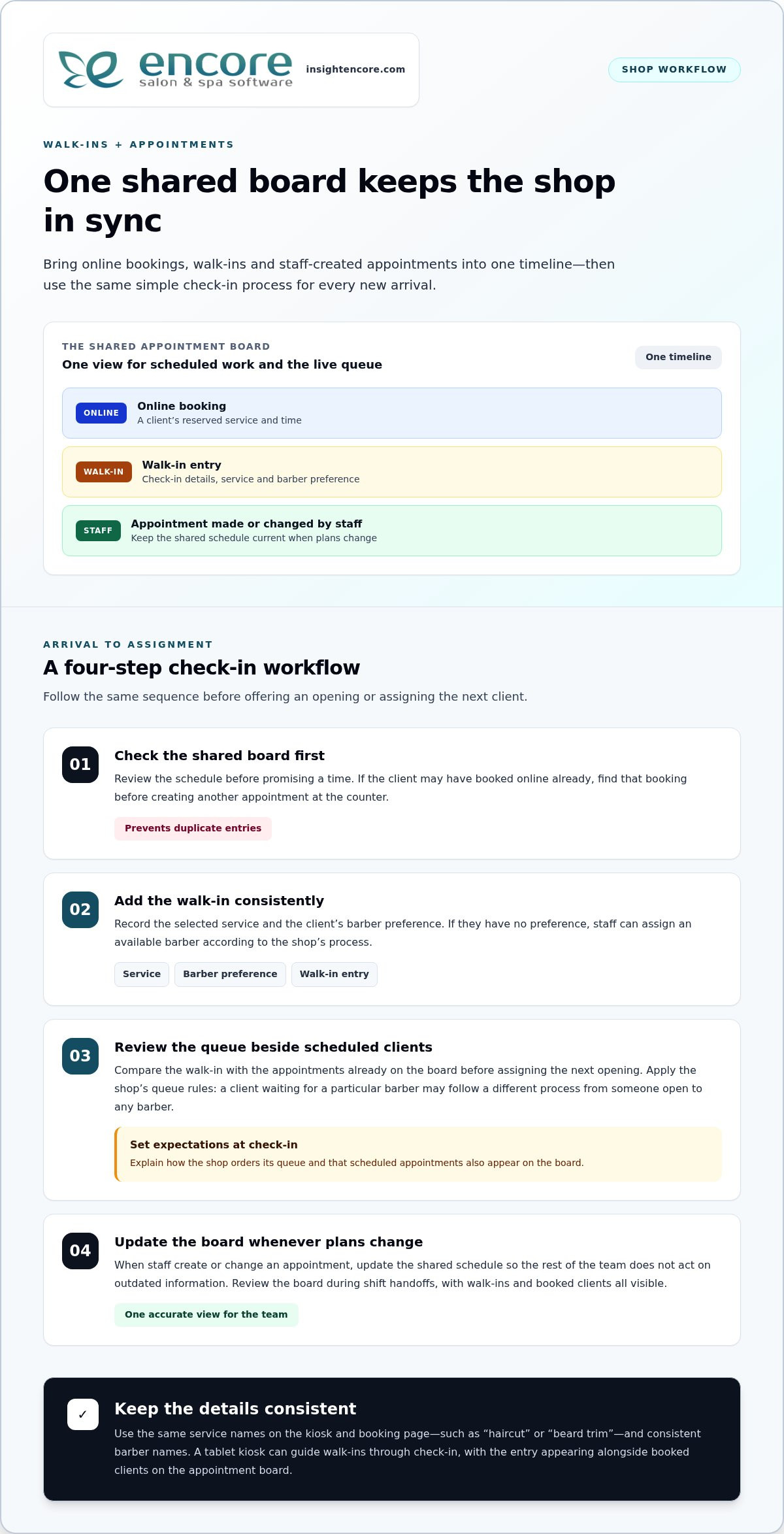
Categories
Uncategorized

Salon Client Data Security Best Practices: The 2026 Owner’s Guide

Did you know that 43% of all cyberattacks now target small businesses, with the average cost of a breach for a typical salon reaching up to $1.24 million in 2026? It’s a staggering figure that highlights why salon client data security best practices are no longer optional; they’re as essential as a sanitized toolkit. You’ve spent years building a reputation for excellence and care. Protecting your clients’ phone numbers, addresses, and credit card details is the ultimate way to honor that relationship and keep your business thriving.

We know the technical side of things can feel overwhelming. Dealing with PCI DSS v4.0.1 requirements or new state privacy laws shouldn’t keep you up at night. You deserve to feel confident that your digital doors are locked tight. This guide provides a straightforward checklist to help you master modern security protocols and build unbreakable trust with your high-value clients. We’ll explore everything from encryption basics to managing staff access, giving you the peace of mind to grow your business safely.

Key Takeaways

  • Learn how treating privacy as a premium service builds client loyalty and protects your hard-earned reputation from costly breaches.
  • Stay ahead of the latest legal requirements, including PCI DSS 4.0.1 and new state privacy laws, to avoid heavy financial penalties.
  • Discover the most effective salon client data security best practices, such as implementing Multi-Factor Authentication and restricted staff access.
  • Create a culture of safety by training your team on “Clean Desk” policies and secure record handling to eliminate common human errors.
  • Understand why moving to a cloud-based management system provides a more secure “single source of truth” than keeping records on local hardware.

Why Salon Data Security is Your Biggest Business Asset in 2026

In 2026, privacy isn’t just a back-office chore. It’s a premium service. Clients expect their personal details to be as safe as their hair is in your hands. A data breach does more than trigger a fine; it shatters the trust you’ve spent years building. While the financial impact is heavy, the loss of your reputation is often permanent. Recovering from a public security failure is much harder than preventing one. By prioritizing salon client data security best practices, you’re telling your community that you value them beyond the chair. You’re showing that you are a supportive partner in their overall well-being.

The Anatomy of Salon Data

Hackers aren’t just looking for credit cards. They want Personal Identifiable Information (PII). This includes names, birthdates, and those “harmless” phone numbers. In fact, phishing remains the most common attack vector against small businesses. Even your color formulas and sensitive medical notes are assets. Storing these insecurely puts your clients at risk of identity theft or targeted scams. Understanding basic data security principles helps you see your database as a vault that needs protection. Every piece of info you collect is a responsibility that requires professional care.

Security as a Competitive Advantage

High-value clients prioritize discretion. When you can prove that their data is locked down, you’re offering a level of professionalism that sets you apart. Mentioning your secure booking portal in your marketing isn’t bragging; it’s reassuring. You can highlight how Encore Salon Software features keep every record encrypted and accessible only to those who need it. This transparency builds a “safety brand” that attracts clients who are willing to pay more for peace of mind. It turns a technical necessity into a powerful selling point that makes your salon the obvious choice.

Moving away from paper binders is your first big win for modern protection. Paper records are easily lost, stolen, or seen by the wrong eyes. Digital systems allow for much better control and tracking. Modern salon client data security best practices rely on a “Single Source of Truth.” This means all data lives in one secure, cloud-based home rather than scattered across sticky notes and local hard drives. It’s the foundation of a modern, professional beauty business that respects its clients’ digital lives as much as their physical ones. This shift is the first step toward total peace of mind for you and your guests.

The Regulatory Landscape: PCI Compliance and Privacy Standards

Understanding the rules isn’t just about avoiding fines. It’s about professional integrity. In 2026, the regulatory world is a patchwork of payment security and personal privacy laws. Many owners confuse the two. PCI DSS v4.0.1 governs how you handle credit cards. Meanwhile, state laws like those in Indiana and Kentucky protect who can see a client’s home address. Following salon client data security best practices means respecting both sets of rules. It ensures your business remains a safe space for every guest.

PCI DSS v4.0.1 is now the mandatory standard. It moved the industry from once a year checks to continuous security monitoring. This is a big shift. You can find excellent FTC cybersecurity guidance to help you navigate these basics. The goal is to ensure that cardholder data never lingers where it shouldn’t. It’s about creating a safe environment for every swipe or tap. If you aren’t monitoring your systems regularly, you’re already behind the curve.

PCI Compliance for Small Business Salons

The biggest risk in many salons is the simplest one: writing down credit card numbers on paper. This is a major compliance violation. It’s also an invitation for theft. Using integrated credit card processing simplifies this burden immensely. When your software handles the transaction, the sensitive data never touches your local network. This keeps you safe and keeps your clients’ bank accounts protected. It removes the stress of manual record-keeping and local data storage. For a complete breakdown of what these requirements mean for your business, our PCI compliance for small business salons guide walks you through every step without the technical jargon.

Privacy laws are also getting tougher. As of January 1, 2026, new laws in Indiana, Kentucky, and Rhode Island are in full effect. Violations in these states can cost up to $7,500 or $10,000 per incident. Twelve states now require businesses to recognize Global Privacy Control (GPC) signals for opting out of data sales. If you operate across state lines, this complexity grows quickly. You need a system that adapts to these changes automatically and protects you from accidental non-compliance.

Medical Data and Medspas

For medspas and tattoo studios, the stakes are even higher. You aren’t just handling names; you’re handling health history and allergy records. While not every salon falls under HIPAA, many beauty businesses are moving toward those higher standards to ensure total protection. Client waiver forms for spas digital solutions and secure consultation notes are essential. They provide a legal paper trail that protects you if a client has an adverse reaction. This documentation is your best defense against liability and reputation damage.

Managing these layers of compliance doesn’t have to be a headache. You can explore how automated systems handle the heavy lifting for you. By choosing the right tools, you can focus on your craft while the technical details remain secure in the background. It’s about reclaiming your time and your peace of mind while building a business that stands the test of time.

Essential Technical Safeguards: From Encryption to Access Control

Technical safeguards are the locks and alarms on your digital storefront. While previous sections covered the “why” and the “rules,” these tools are how you actually get the job done. Implementing salon client data security best practices starts with end-to-end encryption. This technology scrambles sensitive info so it’s unreadable to anyone without the key. It’s your first line of defense against prying eyes. Pair this with automated cloud backups. If your salon ever faces a hardware failure or a ransomware attempt, these backups act as a safety net to restore your business in minutes. You don’t have to be a tech expert to use these; you just need the right partners in place.

Multi-Factor Authentication (MFA) is another non-negotiable in 2026. It requires a second form of verification, like a code sent to a phone, before granting access to your system. This simple step stops the vast majority of unauthorized login attempts instantly. It’s about building layers of protection that make it too difficult for hackers to bother with your data. By making MFA a standard part of your login routine, you’re choosing a proactive path to peace of mind.

Securing Your Physical Salon Hardware

Your front-desk terminal and tablets are physical gateways to your data. Start by separating your networks. Always offer a “Guest Wi-Fi” for clients that is completely isolated from your “Business Wi-Fi.” This prevents a guest’s infected device from reaching your salon’s private records. Ensure every tablet is password-protected and never left logged in and unattended on the salon floor. For those managing booth or chair renters, encourage them to use their own secure logins rather than sharing a single “salon” account. This keeps everyone’s information separate and safe from accidental exposure.

Software-Level Security Features

Modern software allows you to implement the Principle of Least Privilege (PoLP). This means your team only sees the information they need to perform their specific roles. A receptionist might need the calendar, but they don’t necessarily need access to your year-end tax documents or full client contact lists. Using audit logs lets you see exactly who accessed client data and when, providing total transparency. This approach aligns with the FTC’s Guide to Protecting Personal Information, which emphasizes limiting access to sensitive data to a “need-to-know” basis. If you are an independent pro, our Management Software for Chair Renters offers these same high-level protections tailored for your unique needs.

Salon Client Data Security Best Practices: The 2026 Owner’s Guide

Creating a Culture of Security: Staff Training and Protocols

Your team is the heart of your salon, but they can also be your biggest vulnerability. Most data leaks aren’t the result of high-tech hackers; they’re the result of simple, avoidable mistakes. Training your staff on salon client data security best practices is the most effective way to close these gaps. It’s about building a shared sense of responsibility. When every stylist understands that protecting a client’s email address is just as important as the quality of their highlight, your salon becomes a fortress of trust. Implementing these salon client data security best practices helps you avoid the $11.5 million average cost of a typical U.S. data breach in 2026.

Start by implementing a “Clean Desk” policy across the salon floor. This means no client phone numbers on sticky notes and no passwords written on the back of tablets. In a busy environment, it’s easy to jot something down and forget it. However, a misplaced note is a major security risk. Encourage your team to enter information directly into your secure management system and keep workstations clear of physical records. This simple habit keeps sensitive information away from prying eyes and maintains a professional atmosphere.

Managing staff turnover is another critical protocol. When a team member leaves, their access to client lists and payment systems must be revoked immediately. This prevents potential data theft and ensures that client records stay within your business. In 2026, phishing scams have also become incredibly sophisticated due to the rise of AI. Your team might receive a text or email that looks exactly like a message from you or a trusted vendor. Teach them to verify any unusual request for data or login credentials. If it feels off, it probably is.

Onboarding Staff with Security in Mind

Include data privacy in your employee handbook from day one. Explain how to use secure client messaging and why sharing login details is strictly prohibited. This sets a clear standard for professional behavior. For more operational advice, you might find our 15 Barbershop Management Tips helpful for streamlining your team’s daily routines and maintaining high standards for safety and service.

Ongoing Security Audits

Regular check-ins keep your systems healthy. Schedule monthly password resets and review who has permission to access specific data. A security audit for a salon owner is a systematic review of all digital and physical touchpoints to ensure client information remains protected and compliant with current laws. Test your backup systems regularly to ensure they’re ready if you ever need them. Consistency is the key to maintaining total control over your business assets.

Secure your salon's future today

Future-Proofing Your Business with Secure Management Software

Choosing the right technology is the single most important decision you’ll make for your business’s safety. In the past, many salons kept records on local servers or personal laptops. This is a massive risk. If that hardware is stolen or damaged, your data is gone forever. Cloud-based systems are inherently more secure because they remove these physical vulnerabilities. By moving to a “Single Source of Truth,” you ensure that every client record, color formula, and payment detail lives in one encrypted, professional-grade vault. This centralized approach reduces the number of entry points for hackers and makes managing salon client data security best practices much easier for you and your team.

Encore Salon Software handles the technical heavy lifting so you don’t have to. Our infrastructure has security baked into every feature, from integrated credit card processing to specialized modules for tattoo and medspa compliance. We’re also looking ahead. The next wave of technology will include AI-driven monitoring to spot suspicious login patterns and biometric access like fingerprint or facial recognition for staff terminals. These tools will add even more layers of protection. By partnering with us, you’re ensuring your salon stays at the forefront of these advancements without needing an IT degree.

Choosing the Right Partner

When you evaluate a software provider, ask about their encryption standards and how often they perform automated backups. It’s also vital to consider the human element. If you have a security concern, you need a responsive partner who offers human-led support rather than a delayed automated response. You want a guide who understands the daily hurdles of the beauty industry. For a deeper look at how the right tools can transform your operations, check out our Encore Salon Software Guide. It’s designed to help you master every aspect of your business with confidence.

Next Steps for Your Salon

You can improve your security profile in just ten minutes today. Start by checking that your “Guest Wi-Fi” is truly separate from your business network. Next, verify that every staff member has their own unique login with the correct permission levels. Finally, ensure your front-desk terminal is set to auto-lock after a few minutes of inactivity. If your current system makes these salon client data security best practices difficult to manage, it might be time for a change. Transitioning from a legacy system to Encore is a straightforward process designed to give you organized control and total peace of mind.

Ready for a more secure salon? Try Encore Now

Securing the Future of Your Beauty Business

Mastering salon client data security best practices is about more than checking boxes; it’s about protecting the heart of your business. You’ve learned that modern privacy is a premium service that high-value clients expect. By moving to a cloud-based system and training your team to spot phishing, you’re building a foundation of trust that can’t be broken. Security shouldn’t be a source of stress. With the right tools, it becomes a natural part of your professional routine.

Since 1991, we’ve been helping salon owners navigate industry complexities with reliability and care. Our integrated PCI-compliant payment processing takes the guesswork out of compliance, while our human-centric support team guides you through implementation. You don’t have to handle the technical heavy lifting alone. We’re here to ensure your data stays locked down so you can focus on your craft.

Secure your business and your clients—Try Encore Now

Take the first step toward total peace of mind today. Your clients will thank you for the extra care. You’ll enjoy the confidence that comes with knowing your legacy is safe.

Frequently Asked Questions

Is it safe to store client credit card information in my salon software?

It is safe and highly recommended if you use a system with integrated credit card processing. Encore Salon & Spa Software uses cloud-based infrastructure that ensures sensitive payment data is encrypted and never stored locally on your devices. This approach follows salon client data security best practices by removing the risk of data loss from stolen hardware. It also simplifies your compliance burden because the software handles the heavy technical lifting of protecting cardholder information.

What should I do if I suspect a salon data breach?

You must act quickly to contain the issue and protect your clients. First, secure your systems by changing all passwords and isolating affected hardware. Contact your software provider immediately to investigate the scope of the incident. You may also need to notify affected clients and local authorities depending on your state’s data privacy laws. Having a clear response plan in place ensures you can handle the situation professionally and maintain long-term trust with your guests.

Do independent booth renters need their own data security protocols?

Yes, independent professionals are responsible for the client information they manage. Even if you work within a larger salon, you handle personal details and payments that require protection. Using specialized Chair/Booth Renter Software ensures your records are encrypted and separate from the main salon’s database. This protects your business from liability and ensures you are following the same high security standards as a full-scale salon or spa. It’s about protecting your personal brand and reputation.

How does PCI compliance affect my salon processing fees?

Maintaining PCI compliance helps you avoid non-compliance fees that many processors charge. While there isn’t a direct discount for being compliant, the cost of a breach or a penalty for failing an audit is significantly higher than the cost of a secure system. Integrated processing often streamlines these requirements into your monthly service. This provides a predictable cost structure while giving you the peace of mind that your transactions are fully protected against modern threats and costly fines.

Can I use a personal tablet for client check-ins and booking?

You can use a personal tablet, but it must be properly secured to meet professional standards. This includes setting a strong, unique password and ensuring the device isn’t used for personal browsing while connected to your business network. Always use a dedicated app rather than a mobile browser to access your management system. Separating your business data from personal files is a key part of salon client data security best practices that prevents accidental exposure of sensitive information.

How often should I update my salon’s digital security settings?

You should review your security settings at least once a month. This includes updating passwords, reviewing staff access permissions, and ensuring your software is running the latest version. Regular audits help you stay ahead of new threats and ensure your team is following established protocols. It’s much easier to perform small, monthly checks than to fix a major security gap later. Consistency is the most effective way to maintain a safe and professional digital environment for your team and clients.

Is paper-based client tracking more secure than digital software?

No, paper records are significantly less secure than modern digital systems. Physical binders can be easily lost, stolen, or viewed by unauthorized people on the salon floor. They also lack the encryption and audit logs that professional software provides. Digital systems offer a “Single Source of Truth” that is backed up in the cloud, protecting you from fire, theft, or simple human error. Switching to a secure digital platform for client waiver forms and spa records is the first step toward professional data protection and business growth. When you’re ready to grow that protected client base further, exploring nail salon client retention ideas can help you turn first-time visitors into loyal, returning guests.

Disclaimer

This article is general in nature and may contain errors, please verify all claims with your sales rep